Evite logo
InvitationsEvent PagesGreeting Cards
Evite ProFavorites

4th of JulySummer PartiesBabyKids' BirthdayAdult BirthdayWeddingBusinessPartiesUpload Your Own
All Invitations

All Custom Invitations

Your event, your vision. Personalize your Invitation by uploading your own photo, logo, or design, and access Evite's full suite of hosting features, like RSVP management.
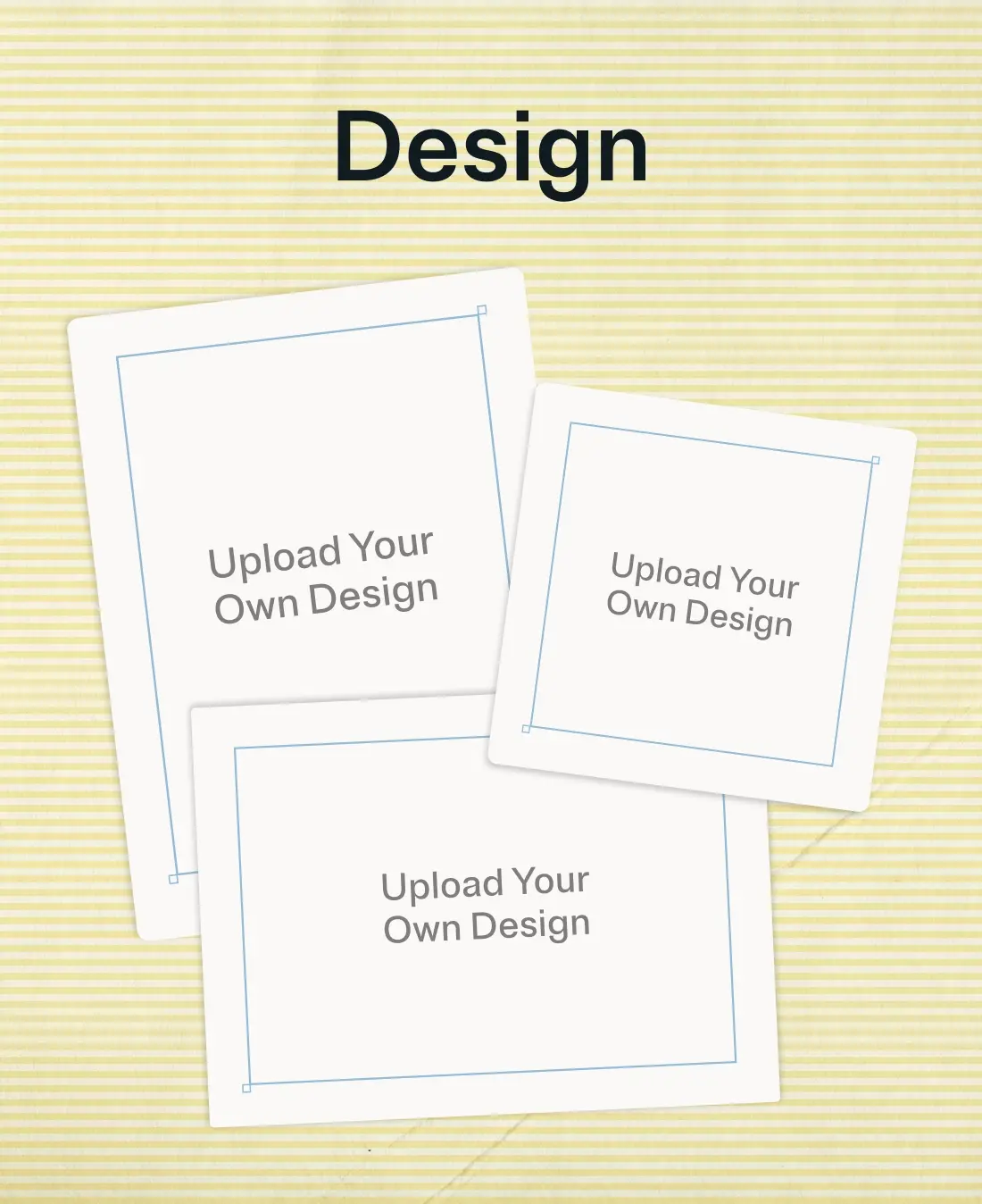
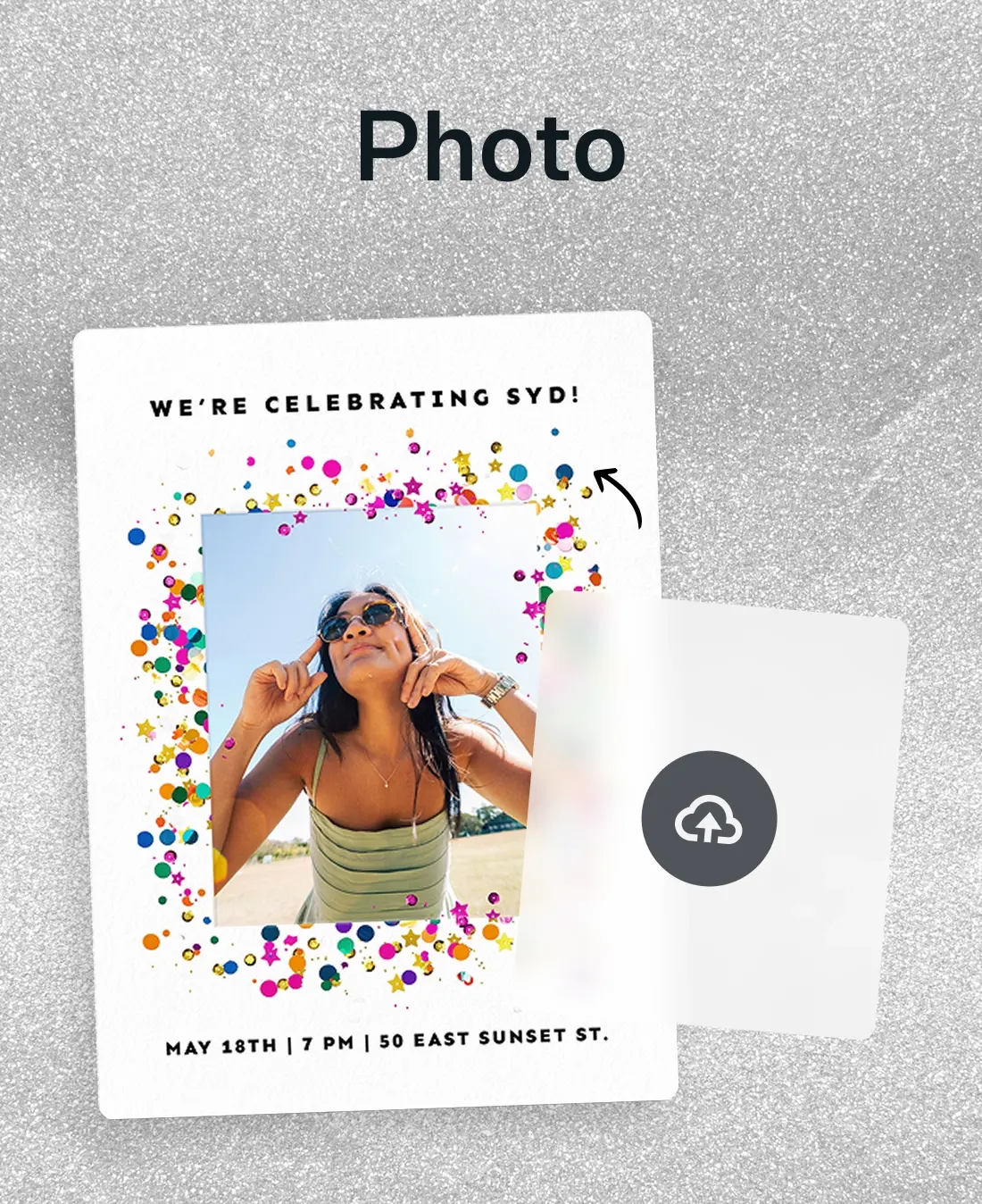
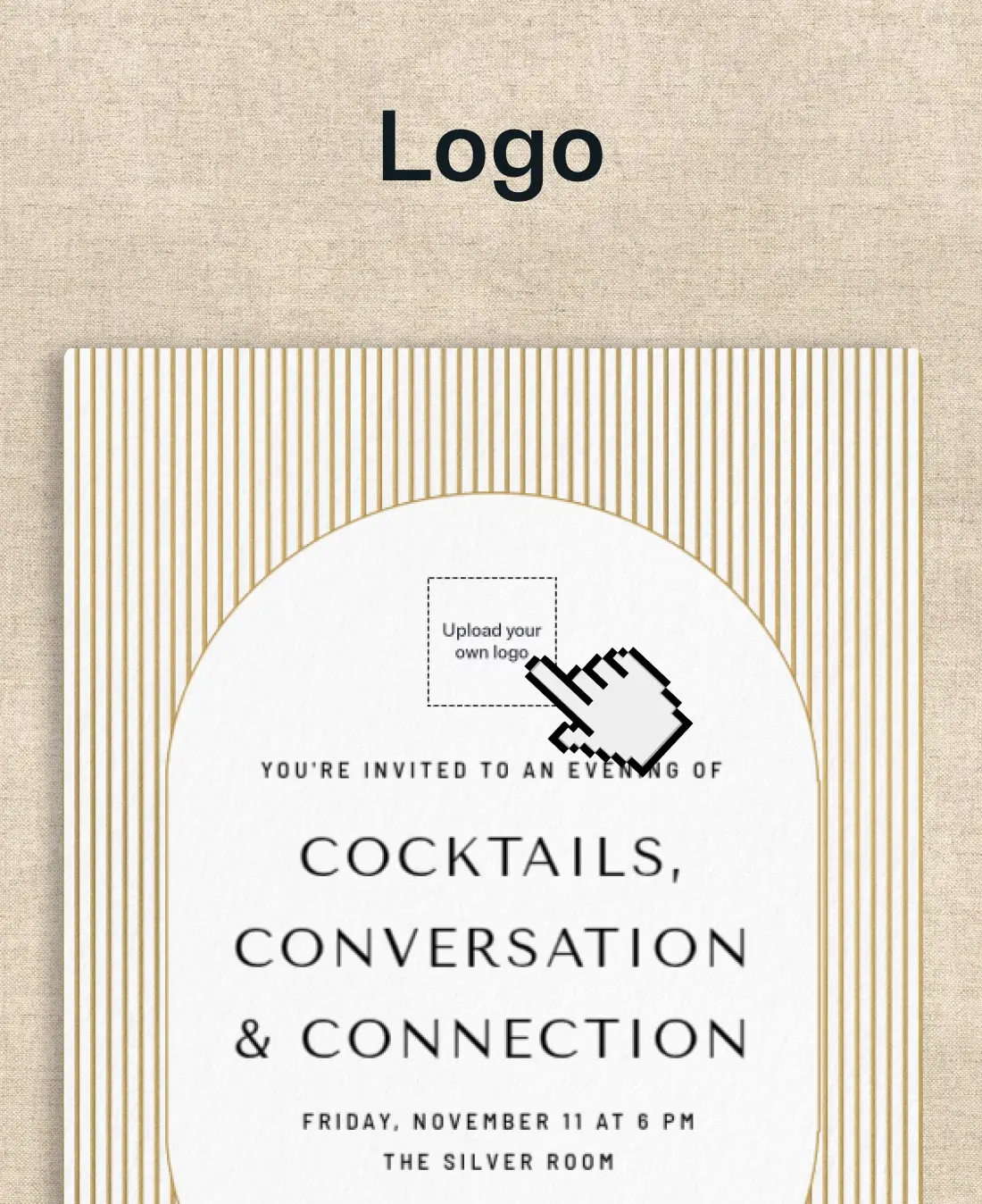
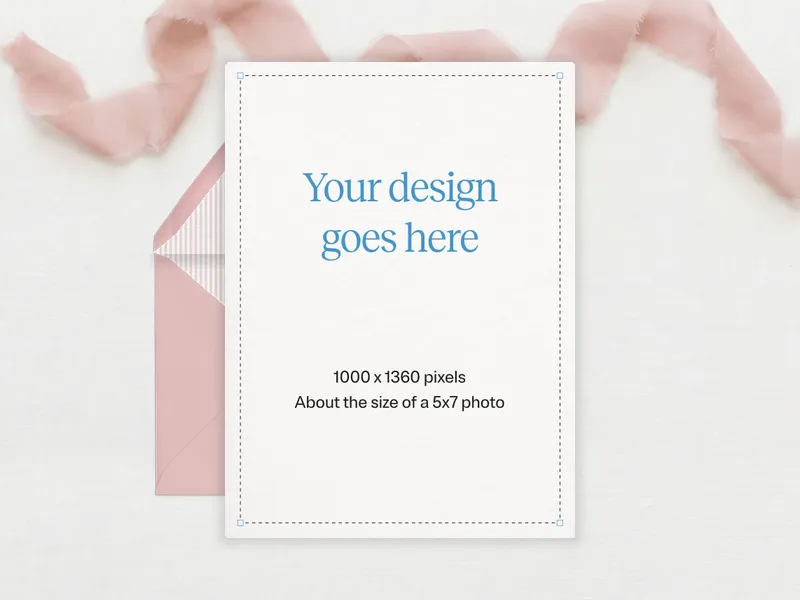
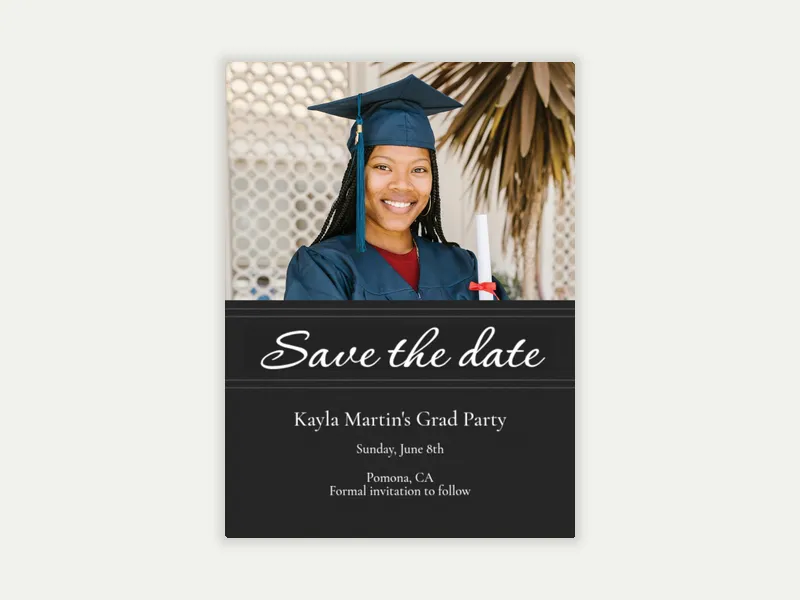
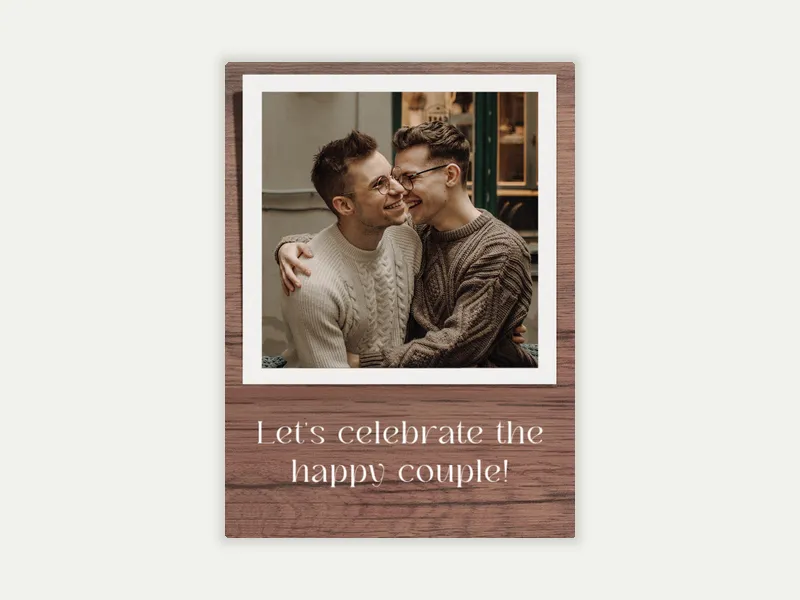
A trio of Invitations where you can upload your own design.An invitation with space for a photo surrounded by colorful confetti glitter.An invitation with space to upload a logo into for business or school.

599 results

Related categories

Design Your OwnBirthdayWeddingPartiesBusinessBaby & Kids
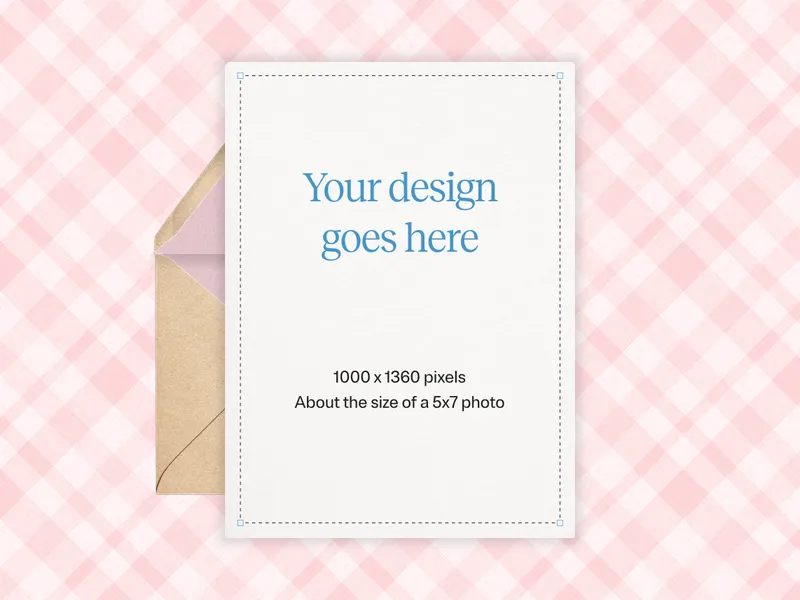
Upload Your Own Design (Any Size) - all_design_your_own - Invitation
Premium

Upload Your Own Design (Any Size)

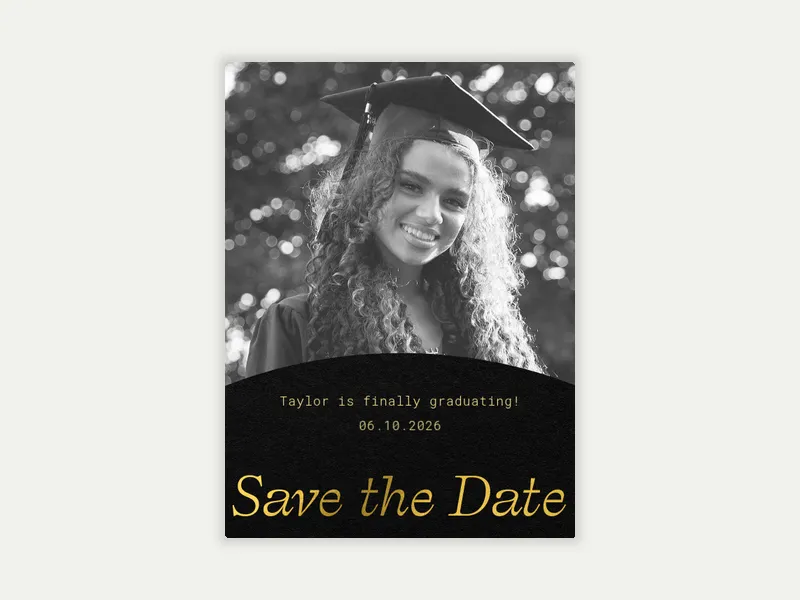
Congrats to Our Graduate (Photo) - all_design_your_own - Invitation
Premium

Congrats to Our Graduate (Photo)

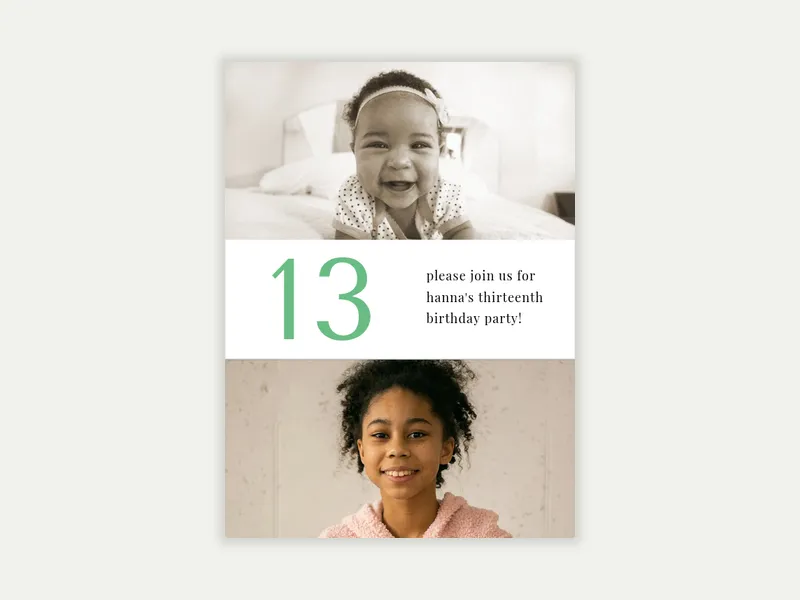
Full Frame (Photo) - all_design_your_own - Invitation
Premium

Full Frame (Photo)

Fogo de Chão: Birthday Vibes (Photo) - all_design_your_own - Invitation
Free

Fogo de Chão: Birthday Vibes (Photo)

Styled Woodgrain (Photo) - all_design_your_own - Invitation
Free

Styled Woodgrain (Photo)

Metallic Stars (Photo) - all_design_your_own - Invitation
Free

Metallic Stars (Photo)

‌
Premium

Ready for Love (Photo)

‌
Premium

Captured Moments (Photo)

‌
Premium

Ribbon Frame Grad Party (Photo)

‌
Free

Center Feature (Photo)

‌
Free

Fogo de Chão: Grill Master (Photo)

‌
Free

Festive Gold Metallic (Photo)

‌
Premium

Gold Frame Wedding (Photo)

‌
Premium

Love Letters (Photo)

‌
Premium

Photo Strip (Photo)

‌
Free

Basic Gray (Photo)

‌
Free

Confetti Bunting (Photo)

‌
Free

Winter Whimsy (Photo)

‌
Premium

Sweet Blossoms (Photo)

‌
Premium

Modern Arch Surprise (Photo)

‌
Premium

Joyful Blooms (Photo)

‌
Free

Foil Arch (Photo)

‌
Free

Simple Frame (Photo)

‌
Free

Styled Slate (Photo)

‌
Premium

Modern Arch Party (Photo)

‌
Premium

Sunrise Celebration (Photo)

‌
Premium

Hello Escrow (Photo)

‌
Free

A Star is Born

‌
Free

Grad Pride (Photo)

‌
Free

Styled Snapshot (Photo)

‌
Premium

New Era (Photo)

‌
Premium

Getting Married Reception (Photo)

‌
Premium

Full Bleed & Text (Photo)

‌
Free

After Hours (Photo)

‌
Free

Paper Frame (Photo)

‌
Free

Festive Gold Confetti (Photo)

‌
Premium

Simply Gilded (Photo)

‌
Premium

Pastel Dream Birthday (Photo)

‌
Premium

Read All About It Birthday (Photo)

+ More
‌
Free

Styled String Lights (Photo)

‌
Free

Fogo de Chão: MVP For Life (Photo)

‌
Free

A Big Day (Photo)

‌
Premium

Western (Photo)

‌
Premium

Dual Gold Frame (Photo)

‌
Premium

Simple Border (Logo)

‌
Free

Delicate Vines (Photo)

‌
Free

Basic Watercolor Birch (Photo)

‌
Free

Gold Gallery Frame

‌
Premium

Celebrate Mom (Photo)

‌
Premium

Snapshot Memories (Photo)

+ More
‌
Premium

Caps in the Sky (Photo)

‌
Free

Spring Floral (Photo)

‌
Free

Sweet Pink Glitter (Photo)

‌
Free

Let the Confetti Fly (Photo)

‌
Premium

Upload Your Own Design (Baby Accessories)

‌
Premium

Upload Your Own Design (Balloon Party)

‌
Premium

Basic Black (Photo)

‌
Free

Soft & Light (Photo)

‌
Free

Styled Woodblock (Photo)

‌
Free

Super Boy (Photo)

‌
Premium

Upload Your Own Design (Portrait)

+ More
‌
Premium

Bold Arch (Photo)

‌
Premium

Celebrating (Photo)

+ More
‌
Free

Birthday Gradient Landscape (Photo)

‌
Free

High Rise (Photo)

‌
Free

Styled Photo Garland (Photo)

‌
Premium

New Beginning (Photo)

‌
Premium

Evergreen Wreath (Logo)

‌
Premium

Upload Your Own Design (Minimalist)

+ More
‌
Free

Team Building (Photo)

‌
Free

Spiritual Script (Photo)

‌
Free

Sports Gear (Photo)

‌
Premium

Watercolor Lilies

‌
Premium

Modern Arch Graduate (Photo)

‌
Premium

Forever Soulmates (Photo)

‌
Free

Cornflower (Photo)

‌
Free

Forever Frame (Photo)

‌
Free

Fogo de Chão: A Toast

‌
Premium

Major Decade (Photo)

+ More
‌
Premium

Classic Black & White (Photo)

+ More
‌
Premium

Forever Blossoms

‌
Free

Let's Get Hitched (Photo)

‌
Free

Sky's the Limit (Photo)

‌
Free

Forever Script (Photo)

‌
Premium

Chalkboard Chic (Photo)

‌
Premium

Modern Polaroid - Save the Date (Photo)

‌
Premium

Modern Black & White (Photo)

+ More
‌
Free

Reese’s Book Club: Reading Time (Photo)

‌
Free

One Degree Hotter (Photo)

‌
Free

Festive Brush Stroke (Photo)

‌
Premium

Photo Booth - (Save the Date Photo)

‌
Premium

Simply in Love - Save the Date (Photo)

‌
Premium

Sky Doves (Photo)

‌
Free

Photos and Flowers (Photo)

‌
Free

Basic Linen Frame (Photo)

+ 5
‌
Free

Game On (Photo)


Frequently asked questions: Custom Invitations

Browse hundreds of templates and upload a photo, design, or logo to make the Invitation your own. Then, send via text, email, or shareable link (full RSVP tracking included).

What is the difference between uploading a photo and uploading your own design?

Both options let you add a personal touch to your Invitation. The difference comes in how much creative work you want to do or have time for.

Upload your own photo means you're starting with one of Evite's pre-designed templates and dropping your own image into it. We already set the design, layout, and typography. You’re personalizing it with a photo that makes it yours.

Upload a photo or multiple photos if the template allows. Use images like a graduation portrait, an engagement photo, or a candid shot from a past birthday. This is the right option if you need a polished and personalized photo invitation without starting completely from scratch.

Upload your own design means you bring a finished piece of artwork, made by you, a graphic designer, or in Canva. Evite has a Canva app that allows you to upload artwork made in Canva directly to Evite.

Evite isn't the design tool here; it's the delivery platform. Upload your file (in any size or shape), add your event details, and let Evite handle the rest. Evite will send invites, track RSVPs, and send automatic event reminders to your guests.

Choose this option if you've already made your design. It helps you share it with guests and manage RSVPs all in one place.

What types of custom Invitations can I make on Evite?

The custom Invitations gallery covers three distinct upload types, each built for a different kind of host:

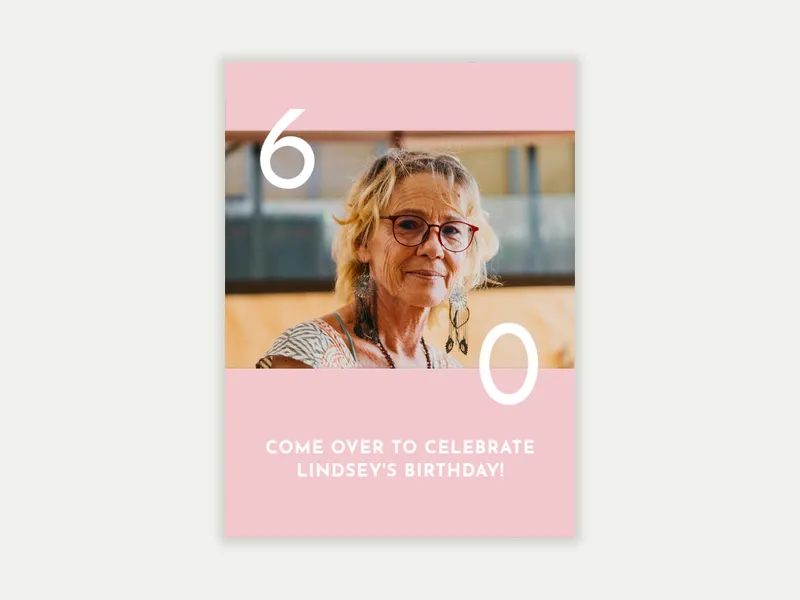
Upload your photo. Choose a template, drop in your own image, and add event details. This works well for events where you want to spotlight a guest of honor, like birthday parties, baby showers, weddings, and graduations. Free and Premium options are available.

Upload your own design. Bring a finished invitation design to Evite. Use the platform to send invites, track RSVPs, and manage guests. Evite supports any size or shape, so there's no need to rebuild a design you've already perfected. Only available in Premium.

Upload your own logo. Add a business logo, organizational mark, or branded asset to your invitation. This is a practical option for companies, nonprofits, clubs, and any host who wants their brand front and center. Free and Premium options are available.

Browse our collection of free and Premium custom Invitations. Premium unlocks animated effects, custom envelopes, and stamps for deeper personalization. It also includes a host photo album where you can share even more images, like engagement photos.

Can I use my own logo on an Evite Invitation?

Yes. The logo option lets you add a business logo, club emblem, or organization mark to your invitation design. Browse logo Invitations for corporate events, nonprofit fundraisers, sports leagues, and school groups.

To get started, go to the custom Invitations gallery. Use the filter to view “Upload your own logo” Invitations.

Upload your logo file to your selected template. Then add your event details and customize the surrounding design's text. RSVP tracking, guest messaging, and automated reminders are all included.

A practical note on file prep: logo files upload best as high-resolution PNGs with a transparent background. This keeps edges clean regardless of the template's background color.

How do I upload my own design to Evite?

If you have a finished online invitation design from a graphic designer, Canva, or your own work, Evite can help. Use the “upload your own design” option to bring it to the platform and take advantage of our helpful host tools.

Here's how it works:

  1. Go to the custom Invitations gallery. Filter by "Upload your design" in the filter menu to find compatible templates.
  2. Choose a template. Pick one that matches your design's vibe. Evite supports any size or shape upload: portrait, landscape, square, and non-standard dimensions are all accepted.
  3. Upload your image file. Drop in your invitation design.
  4. Add your event details. Add date, time, location, and other specifics in the event details fields.
  5. Add your preferred optional sections like registry, wishlists, or crowdfunding. Evite keeps all these in one place for you and your guests to reference easily.
  6. Add guests and send to your guest list via email, text, or a shareable link. Your event dashboard tracks RSVPs and lets you message guests and schedule additional reminders.

Ready to make it yours? Browse the full custom Invitations gallery and find the right template for your event. Have a finished design ready to go? Head straight to Upload Your Own Design and bring it to life.

Evite

Invite us in. We'll bring ideas for your next gathering.

ABOUT US
  • Our Story
  • Blog
  • Press
  • Careers
  • Giving Back
EXPLORE
  • Invitations
  • Event Pages
  • SignUp Sheets
  • Greeting Cards
  • Evite Pro
  • Site Map
MY EVITE
  • My Account
  • My Invitations
  • My SignUp Sheets
  • My Greeting Cards
GET HELP
  • FAQs
  • Contact Us
  • Pricing
  • Refund Policy
  • Premium vs. Free
Substack
Available on the App StoreEvite App on Google Play
  • © 2026 Evite. All Rights Reserved.

  • Privacy Policy
  • Trademark Notices
  • Terms of Service
  • California Privacy Notice