Evite logo
InvitationsEvent PagesGreeting Cards
Evite ProFavorites

Summer PartiesBabyKids' BirthdayAdult BirthdayWeddingBusinessPartiesUpload Your Own
All Invitations

Custom Invitations

Your event, your vision. Personalize your Invitation by uploading your own photo, logo, or design, and access Evite's full suite of hosting features, like RSVP management.
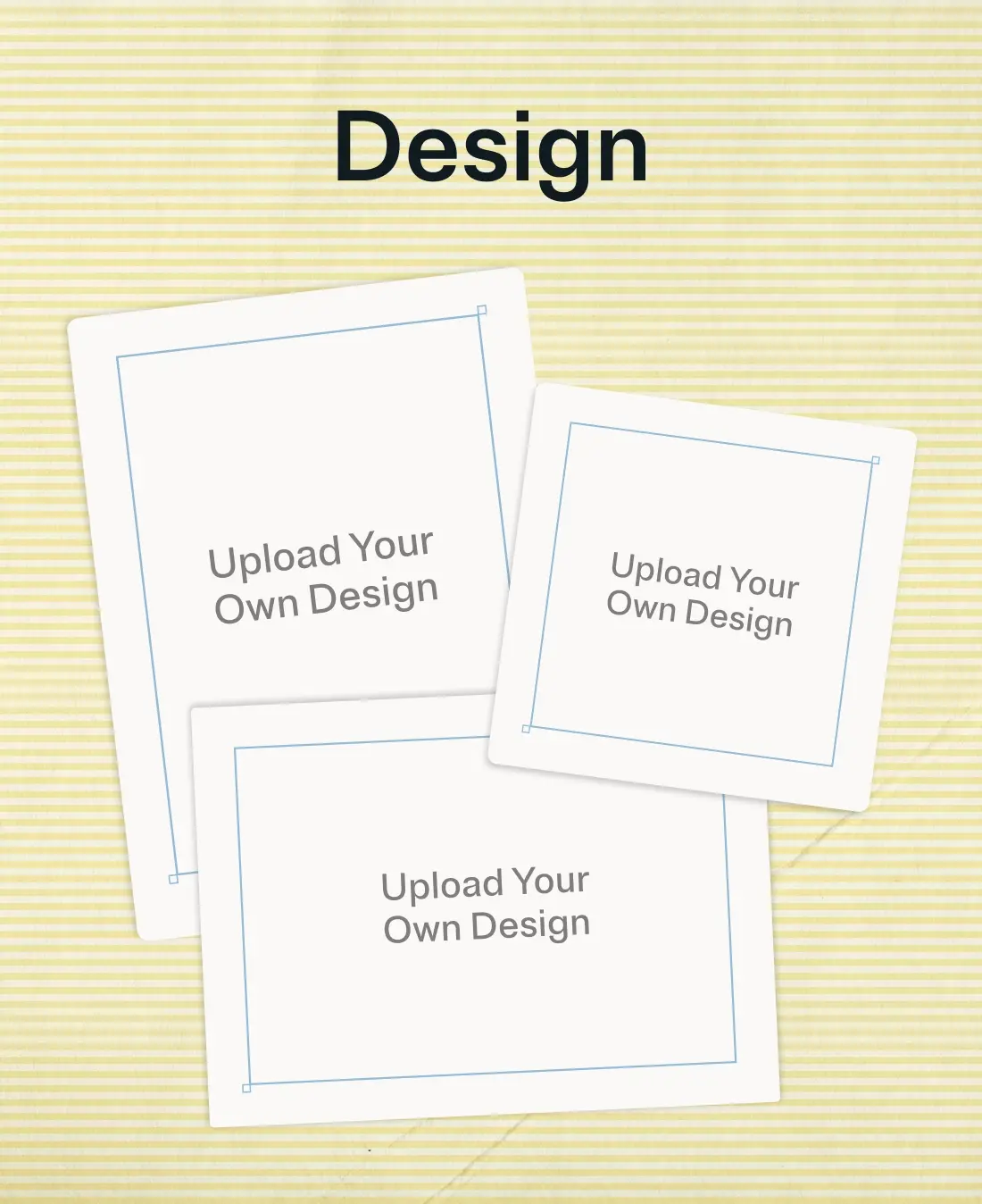
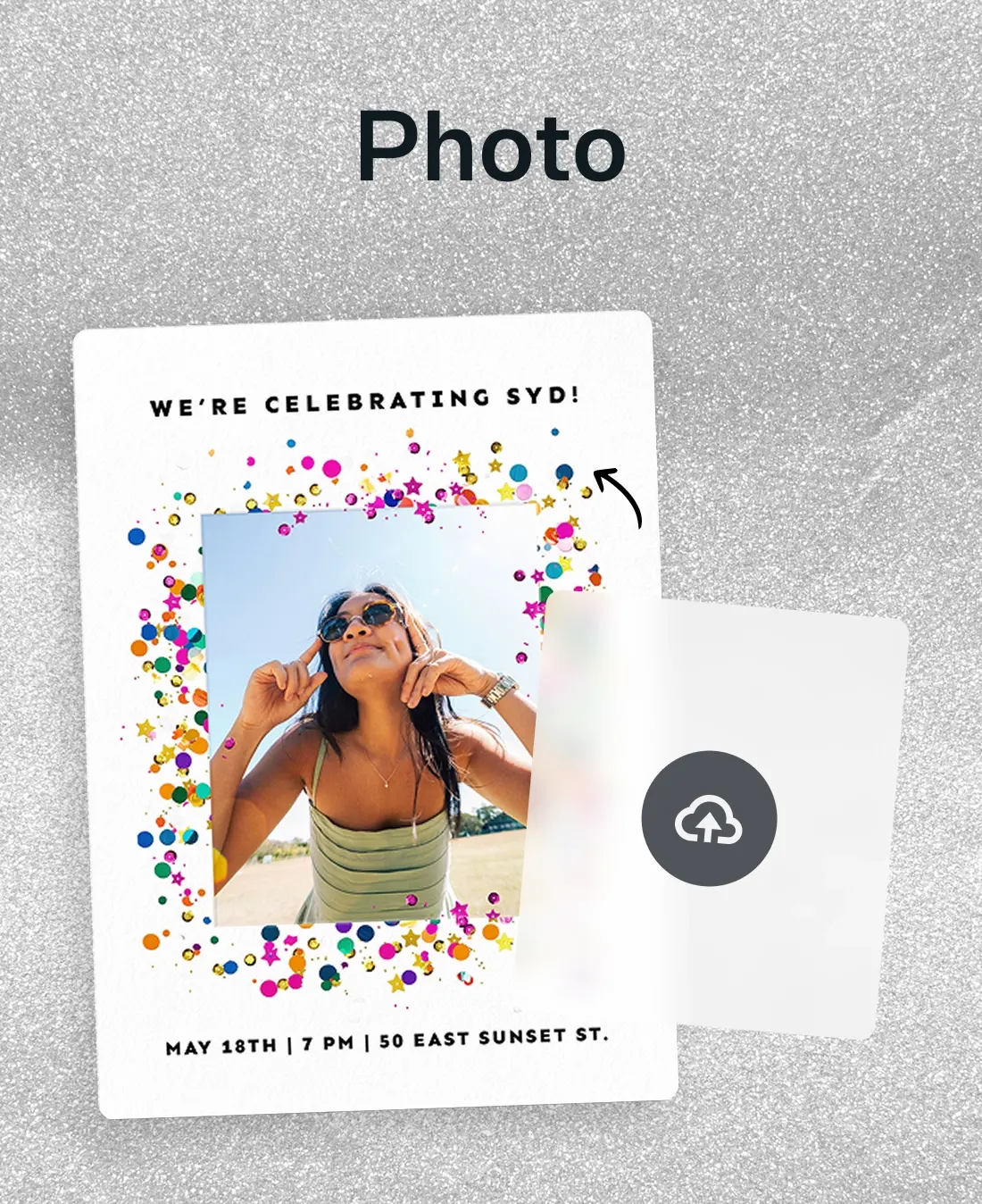
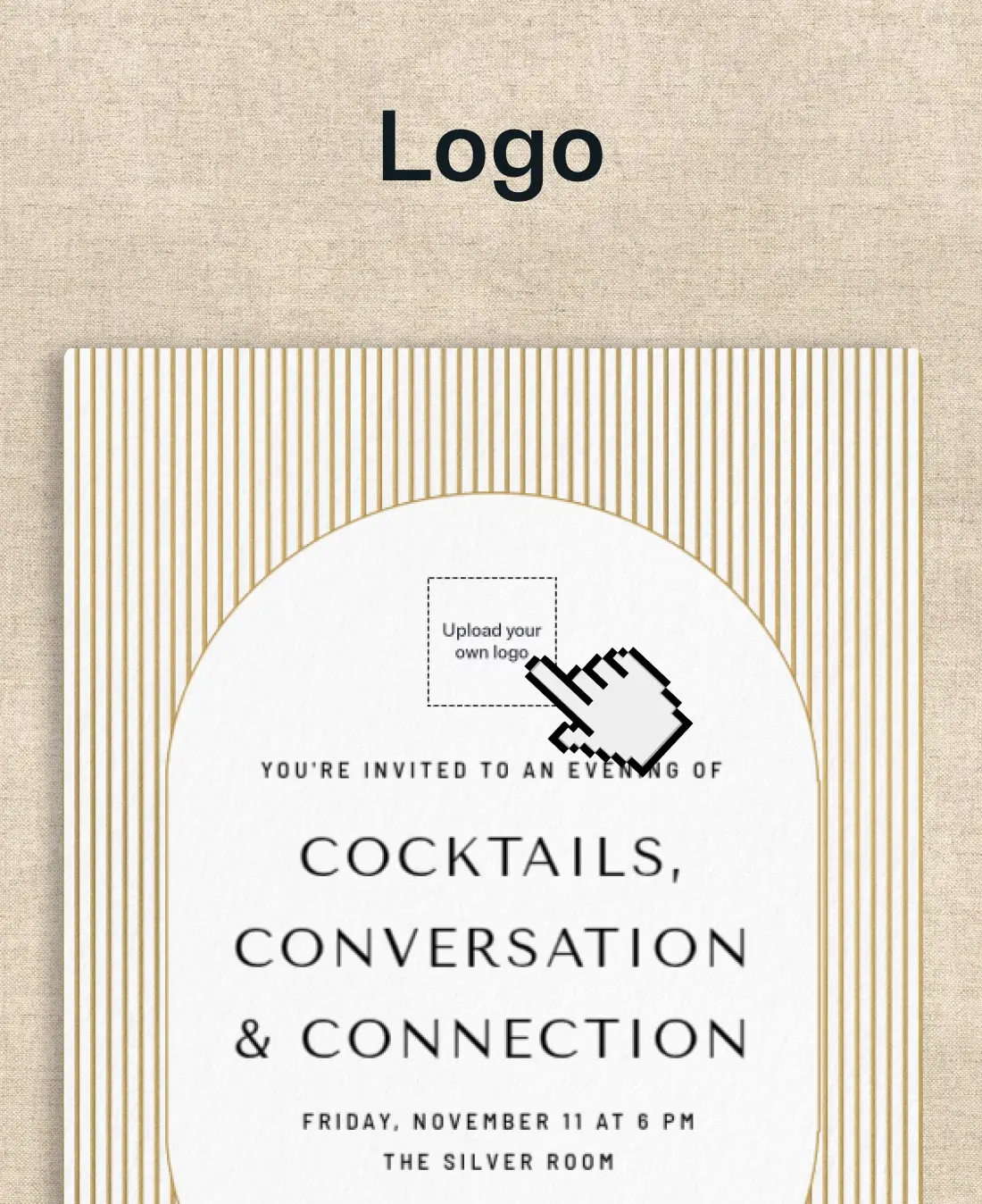
A trio of Invitations where you can upload your own design.An invitation with space for a photo surrounded by colorful confetti glitter.An invitation with space to upload a logo into for business or school.

584 results

Related categories

Design Your OwnBirthdayWeddingPartiesBusinessSave the Date Shop
Upload Your Own Design (Any Size) - all_design_your_own - Invitation
Premium

Upload Your Own Design (Any Size)

Upload Your Own Design (Portrait) - all_design_your_own - Invitation
Premium

Upload Your Own Design (Portrait)

+ More
Upload Your Own Design (Minimalist) - all_design_your_own - Invitation
Premium

Upload Your Own Design (Minimalist)

+ More
Eternal Love (Photo) - all_design_your_own - Invitation
Free

Eternal Love (Photo)

Styled Snapshot (Photo) - all_design_your_own - Invitation
Free

Styled Snapshot (Photo)

Your browser does not support the video tag.
Free

Fogo de Chão: Grill Master (Photo)

‌
Premium

Upload Your Own Design (Simple Kraft)

+ More
‌
Premium

Captured Moments (Photo)

‌
Premium

Upload Your Own Design (Landscape)

+ More
‌
Free

Metallic Stars (Photo)

‌
Free

Festive Gold Metallic (Photo)

‌
Free

A Star is Born

‌
Premium

Upload Your Own Design (Lovely Linen)

+ More
‌
Premium

Instant Classic (Photo)

‌
Premium

Upload Your Own Design (Linen)

+ More
‌
Free

Styled Woodgrain (Photo)

‌
Free

Fogo de Chão: Birthday Vibes (Photo)

‌
Free

After Hours (Photo)

‌
Premium

Upload Your Own Design (Confetti Shower)

+ More
‌
Premium

Upload Your Own Design (Linen Ribbon)

+ More
‌
Premium

Modern Arch Party (Photo)

‌
Free

Foil Arch (Photo)

‌
Free

Winter Whimsy (Photo)

‌
Free

Bold Backsplash (Photo)

‌
Premium

Simply in Love - Save the Date (Photo)

‌
Premium

Sprinkles & Smiles (Photo)

‌
Premium

Congrats to Our Graduate (Photo)

‌
Free

Styled Slate (Photo)

‌
Free

Grad Pride (Photo)

‌
Free

Chestnut (Photo)

‌
Premium

Upload Your Own Design (Neutral Paper)

+ More
‌
Premium

Upload Your Own Design (Pastel Balloons)

+ More
‌
Premium

Upload Your Own Design (Any Size) - Save the Date

‌
Free

Confetti Bunting (Photo)

‌
Free

Basic Gray (Photo)

‌
Free

Basic Linen Frame (Photo)

‌
Premium

New Beginning (Photo)

‌
Premium

Read All About It Birthday (Photo)

+ More
‌
Premium

Upload Your Own Design (Picnic)

+ More
‌
Free

Fogo de Chão: MVP For Life (Photo)

‌
Free

Festive Gold Confetti (Photo)

‌
Free

Motion Stripes (Logo)

‌
Premium

Photo Booth - Save the Date (Photo)

‌
Premium

Joyful Blooms (Photo)

‌
Premium

Gold Frame Wedding (Photo)

‌
Free

Paper Frame (Photo)

‌
Free

Simple Frame (Photo)

‌
Free

Flyer Life (Photo)

‌
Premium

Upload Your Own Design (Blue & Gold)

+ More
‌
Premium

Upload Your Own Design (Gold Confetti)

+ More
‌
Premium

Upload Your Own Design (Baby Accessories)

‌
Free

Comic Strip (Photo)

‌
Free

High Rise (Photo)

‌
Free

Delicate Vines (Photo)

‌
Premium

Watercolor Lilies

‌
Premium

Birthday Marquee (Photo)

‌
Premium

Upload Your Own Design (Square)

+ More
‌
Free

Timeless Moments - Save the Date (Photo)

‌
Free

Styled String Lights (Photo)

‌
Free

Pink Confetti Snapshot (Photo)

‌
Premium

Celebrate Good Times (Photo)

‌
Premium

Simply Gilded (Photo)

‌
Premium

Modern Polaroid - Save the Date (Photo)

‌
Free

Forever Script (Photo)

‌
Free

Styled Stone (Photo)

‌
Free

Sports Gear (Photo)

‌
Premium

Player Profile (Photo)

‌
Premium

Tear Drop Cross (Photo)

‌
Premium

Modern Arch Graduate (Photo)

‌
Free

Soft & Light (Photo)

‌
Free

Hooray Sprinkles (Photo)

‌
Free

Center Feature (Photo)

‌
Premium

Forever Soulmates (Photo)

‌
Premium

Ribbon Frame Grad Party (Photo)

‌
Premium

Bold Arch (Photo)

‌
Free

Styled Woodblock (Photo)

‌
Free

Fogo de Chão: Sizzling Times (Photo)

‌
Free

Basic Watercolor (Photo)

‌
Premium

New Era (Photo)

‌
Premium

Shimmer Script Graduation (Photo)

‌
Premium

Varsity Yearbook (Photo)

‌
Free

Gold Gallery Frame

‌
Free

A Big Day (Photo)

‌
Free

Spring Floral (Photo)

‌
Premium

Dual Gold Frame (Photo)

‌
Premium

Upload Your Own Design (Grad Cap Toss)

+ More
‌
Premium

Chicory Whispers

‌
Free

Styled Woodgrain (Photo)

‌
Free

Festive Gold Stars (Photo)

‌
Free

Let the Confetti Fly (Photo)

‌
Premium

Playful Polka (Photo)

‌
Premium

Upload Your Own Design (Bows)

+ More
‌
Premium

Upload Your Own Design (Joyful Confetti)

+ More
‌
Free

Professional Classic (Photo)

‌
Free

Festive Brush Stroke (Photo)

‌
Free

Sweet Pink Glitter (Photo)


Frequently asked questions: Custom Invitations

Browse hundreds of templates and upload a photo, design, or logo to make the Invitation your own. Then, send via text, email, or shareable link (full RSVP tracking included).

What is the difference between uploading a photo and uploading your own design?

Both options let you add a personal touch to your Invitation. The difference comes in how much creative work you want to do or have time for.

Upload your own photo means you're starting with one of Evite's pre-designed templates and dropping your own image into it. We already set the design, layout, and typography. You’re personalizing it with a photo that makes it yours.

Upload a photo or multiple photos if the template allows. Use images like a graduation portrait, an engagement photo, or a candid shot from a past birthday. This is the right option if you need a polished and personalized photo invitation without starting completely from scratch.

Upload your own design means you bring a finished piece of artwork, made by you, a graphic designer, or in Canva. Evite has a Canva app that allows you to upload artwork made in Canva directly to Evite.

Evite isn't the design tool here; it's the delivery platform. Upload your file (in any size or shape), add your event details, and let Evite handle the rest. Evite will send invites, track RSVPs, and send automatic event reminders to your guests.

Choose this option if you've already made your design. It helps you share it with guests and manage RSVPs all in one place.

What types of custom Invitations can I make on Evite?

The custom Invitations gallery covers three distinct upload types, each built for a different kind of host:

Upload your photo. Choose a template, drop in your own image, and add event details. This works well for events where you want to spotlight a guest of honor, like birthday parties, baby showers, weddings, and graduations. Free and Premium options are available.

Upload your own design. Bring a finished invitation design to Evite. Use the platform to send invites, track RSVPs, and manage guests. Evite supports any size or shape, so there's no need to rebuild a design you've already perfected. Only available in Premium.

Upload your own logo. Add a business logo, organizational mark, or branded asset to your invitation. This is a practical option for companies, nonprofits, clubs, and any host who wants their brand front and center. Free and Premium options are available.

Browse our collection of free and Premium custom Invitations. Premium unlocks animated effects, custom envelopes, and stamps for deeper personalization. It also includes a host photo album where you can share even more images, like engagement photos.

Can I use my own logo on an Evite Invitation?

Yes. The logo option lets you add a business logo, club emblem, or organization mark to your invitation design. Browse logo Invitations for corporate events, nonprofit fundraisers, sports leagues, and school groups.

To get started, go to the custom Invitations gallery. Use the filter to view “Upload your own logo” Invitations.

Upload your logo file to your selected template. Then add your event details and customize the surrounding design's text. RSVP tracking, guest messaging, and automated reminders are all included.

A practical note on file prep: logo files upload best as high-resolution PNGs with a transparent background. This keeps edges clean regardless of the template's background color.

How do I upload my own design to Evite?

If you have a finished online invitation design from a graphic designer, Canva, or your own work, Evite can help. Use the “upload your own design” option to bring it to the platform and take advantage of our helpful host tools.

Here's how it works:

  1. Go to the custom Invitations gallery. Filter by "Upload your design" in the filter menu to find compatible templates.
  2. Choose a template. Pick one that matches your design's vibe. Evite supports any size or shape upload: portrait, landscape, square, and non-standard dimensions are all accepted.
  3. Upload your image file. Drop in your invitation design.
  4. Add your event details. Add date, time, location, and other specifics in the event details fields.
  5. Add your preferred optional sections like registry, wishlists, or crowdfunding. Evite keeps all these in one place for you and your guests to reference easily.
  6. Add guests and send to your guest list via email, text, or a shareable link. Your event dashboard tracks RSVPs and lets you message guests and schedule additional reminders.

Ready to make it yours? Browse the full custom Invitations gallery and find the right template for your event. Have a finished design ready to go? Head straight to Upload Your Own Design and bring it to life.

Evite

Invite us in. We'll bring ideas for your next gathering.

ABOUT US
  • Our Story
  • Blog
  • Press
  • Careers
  • Giving Back
EXPLORE
  • Invitations
  • Event Pages
  • SignUp Sheets
  • Greeting Cards
  • Evite Pro
  • Site Map
MY EVITE
  • My Account
  • My Invitations
  • My SignUp Sheets
  • My Greeting Cards
GET HELP
  • FAQs
  • Contact Us
  • Pricing
  • Refund Policy
  • Premium vs. Free
Available on the App StoreEvite App on Google Play
  • © 2026 Evite. All Rights Reserved.

  • Privacy Policy
  • Trademark Notices
  • Terms of Service
  • California Privacy Notice