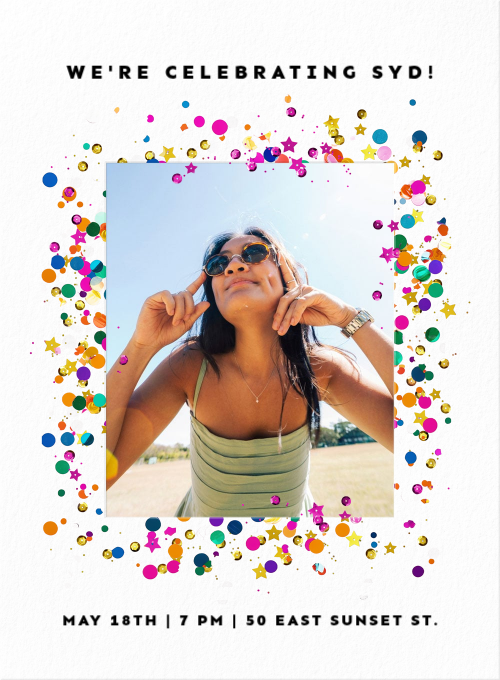
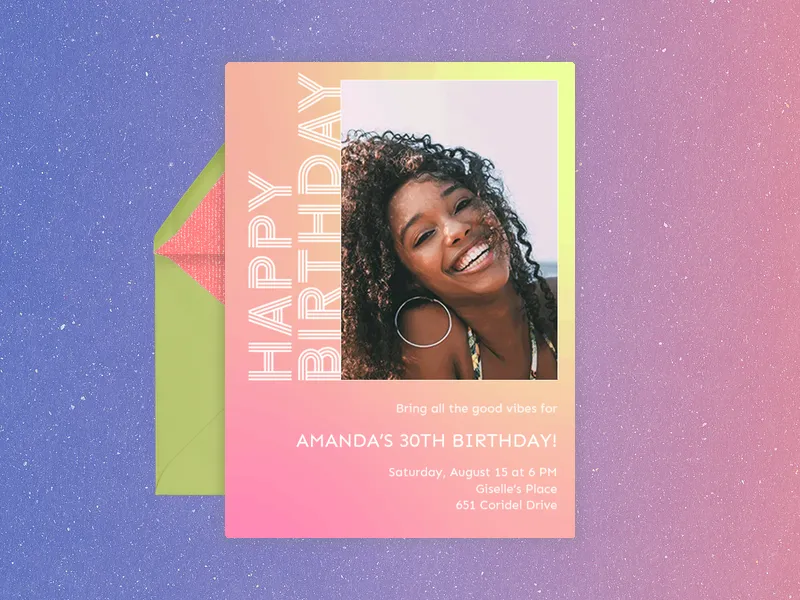
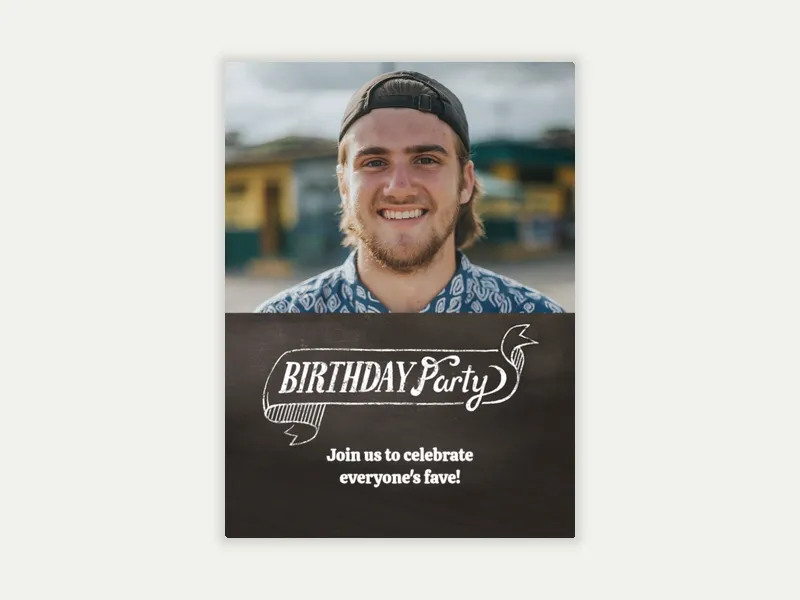
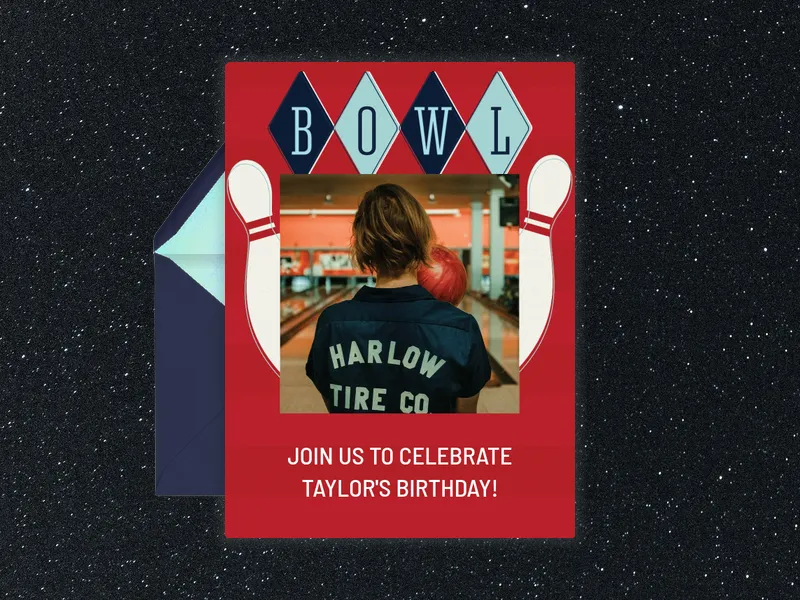
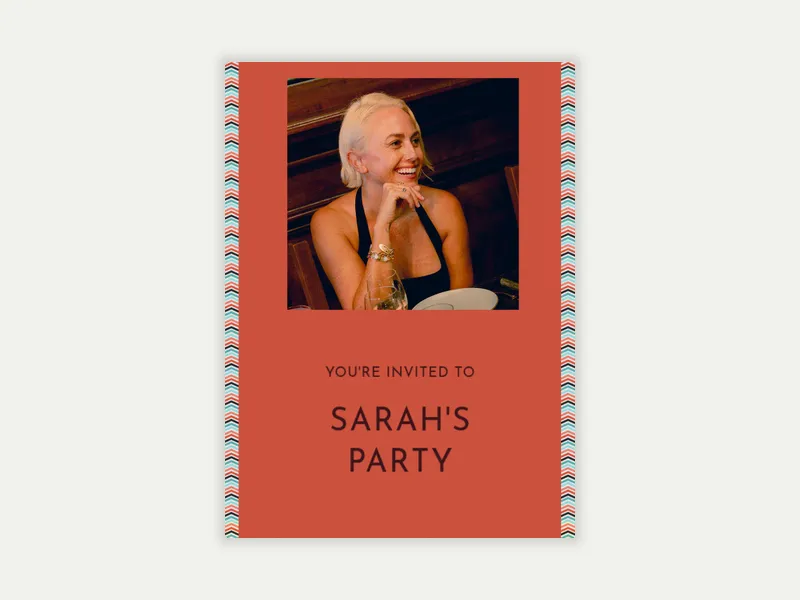
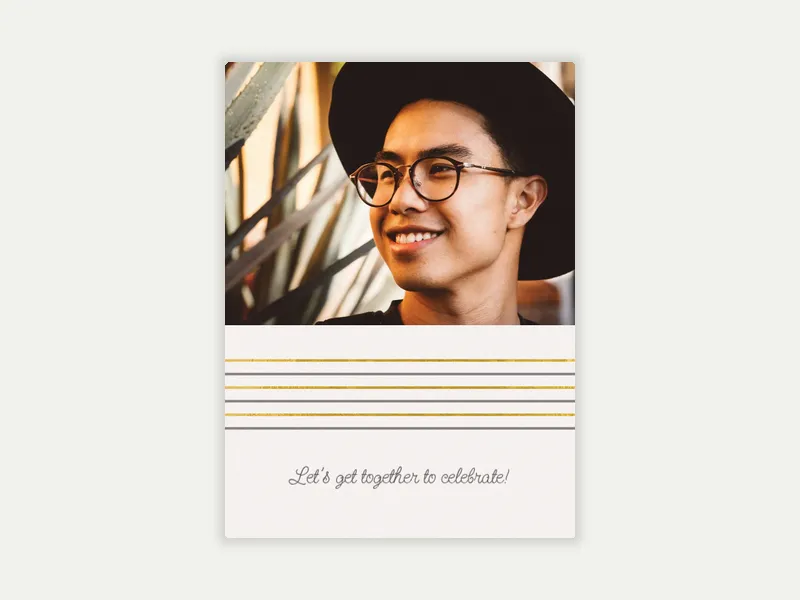
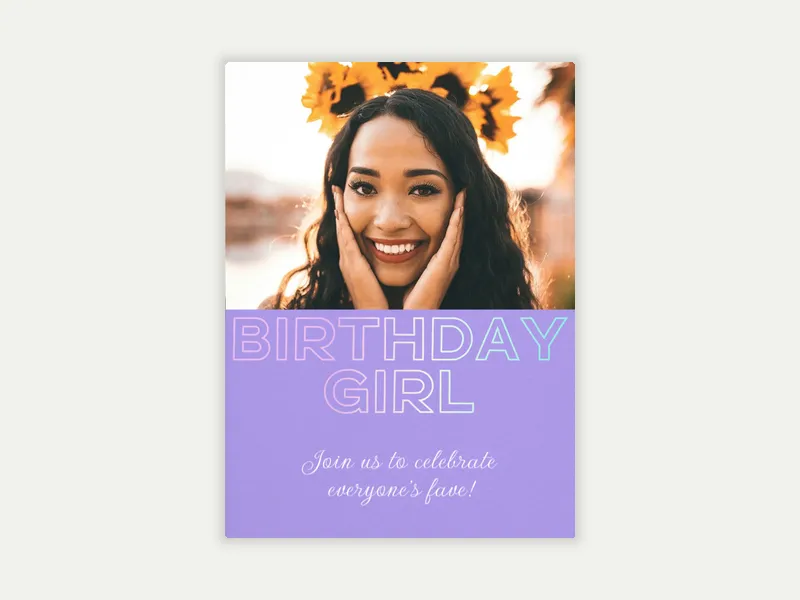
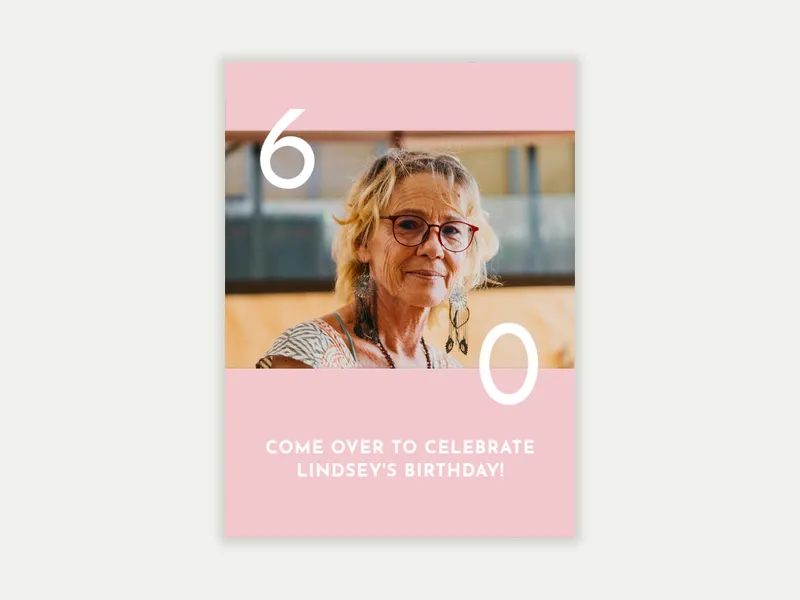
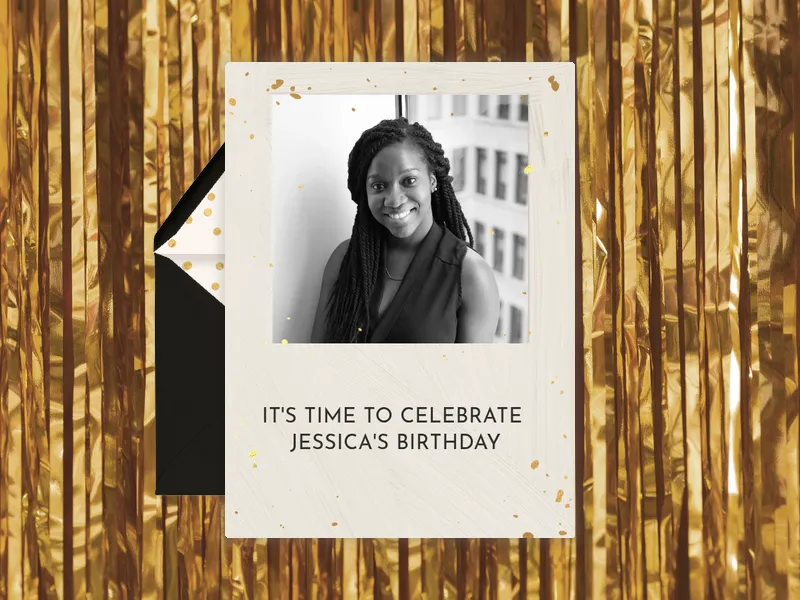
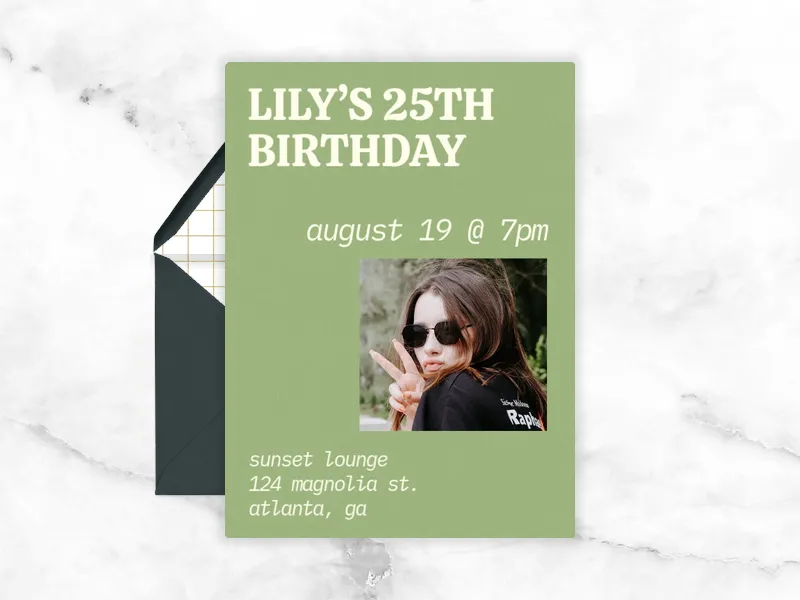
Browse Evite's Adult Birthday Photo Invitations and choose a template that fits the occasion. Check out frequently asked questions about Adult Birthday Invitations below.
What do you put on an adult birthday invitation?
Adult birthday invitations include the same basics as any party invite. Here's what to include:
Who's celebrating. The birthday person's name and age, if you're announcing it. (Not every adult wants their age on the invitation.)
Date and time. Both start and end time; adults need to plan around babysitters, commutes, and early mornings.
Location. Full address, venue name, or both. For restaurant dinners or private event spaces, include any reservation or check-in instructions.
Dress code & theme. Make sure guests know if there's a dress code or theme. A cocktail party, a casual backyard hangout, and a themed disco night all require different outfits.
RSVP deadline. Especially critical if you're booking a private dining room, a venue, or any activity with a headcount cap.
What to expect. Include a brief note on what the party's about. Will if follow a specific format, like dinner followed by dancing? Adult guests appreciate knowing the shape of the evening.
With Evite, you can add a wishlist link to your Invitation. Guests will not have to guess gifts, and the birthday person gets what they truly want.
What are good adult birthday party ideas?
The best adult birthday party ideas match the birthday person's personality—not a generic get-together. A few directions that work across a range of ages and styles:
Dinner party
Cocktail or wine tasting party
Disco or throwback night
Karaoke night
Game night
Spa or wellness day
Day trip or outing
Surprise party
Whatever direction you go, the invitation sets the first impression. Browse Evite's Adult Birthday Photo Invitations to find a design that matches the vibe.
How do you word a milestone birthday invitation?
Milestone birthdays (30th, 40th, 50th, 60th, 70th and beyond) warrant a slightly more intentional approach to wording. The age is the occasion; lean into it.
A few approaches that work well:
Lead with the number. Add a line like “Thirty looks good on her” or “The Big 5-0”.
Match the tone to the party. A black-tie 50th is different than a casual backyard 40th. The invitation copy should set the right expectations: formal and celebratory, or relaxed and fun.
Let the birthday person's voice in. If they're hosting their own party, the invitation can reflect their personality directly.
Include the "why this matters" line. For 50th, 60th, and 70th birthdays, a brief nod to the milestone adds warmth. Try something personal like: "50 years of being the funniest person in the room."
Be clear about format. Milestone parties often require more planning and travel than regular birthdays. Guests should know early on if you're throwing a cocktail reception, dinner party, or weekend celebration.
Evite offers free Invitation designs, but you can add extra personalized touches to your Invitation with a Premium design. Premium designs unlock more customization options, including envelopes, backgrounds, and animated effects.
How do you make a photo birthday invitation for adults?
Creating an Adult Birthday Photo Invitation on Evite takes just a few minutes. Here's how it works:
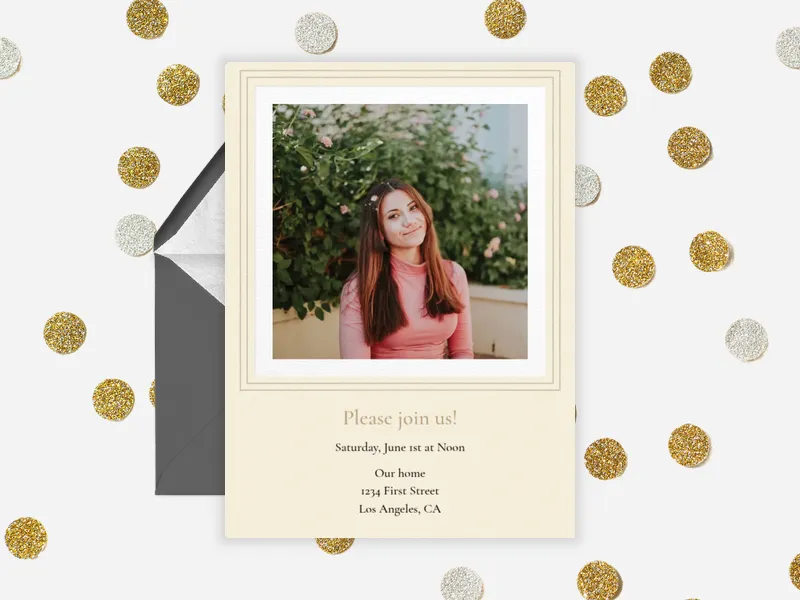
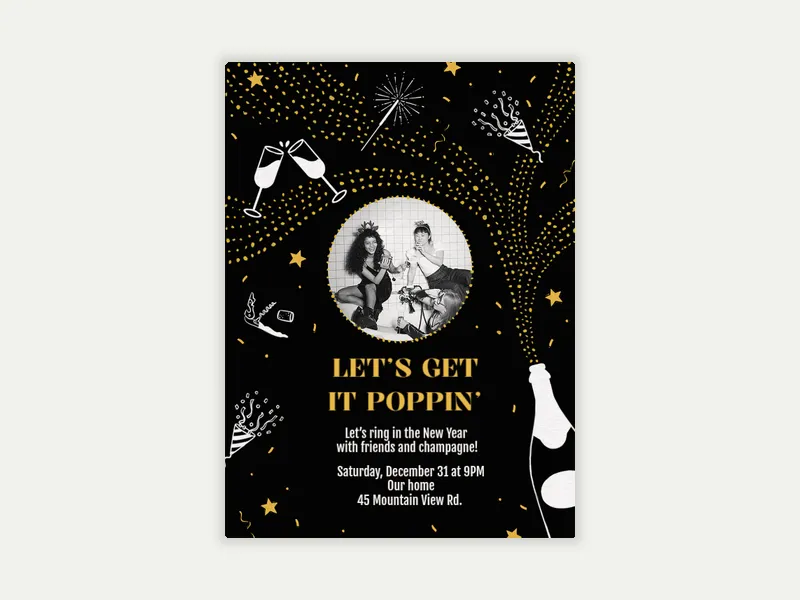
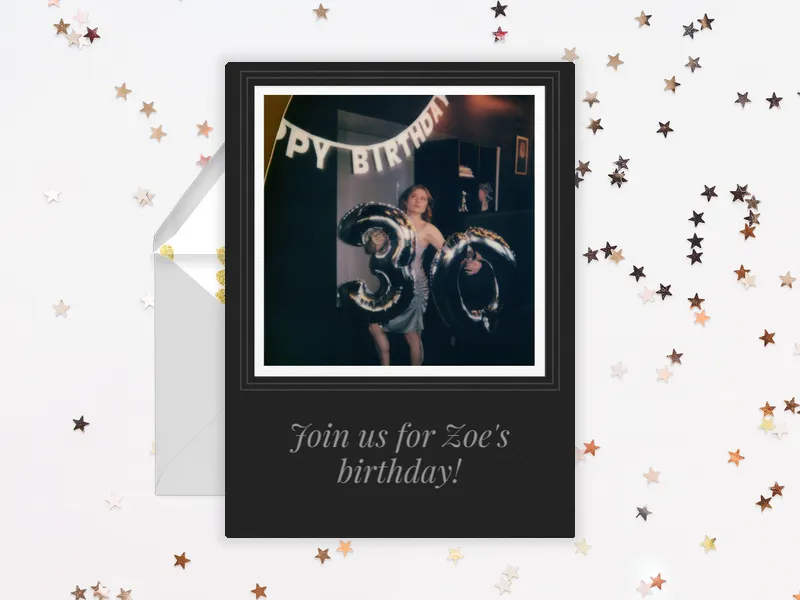
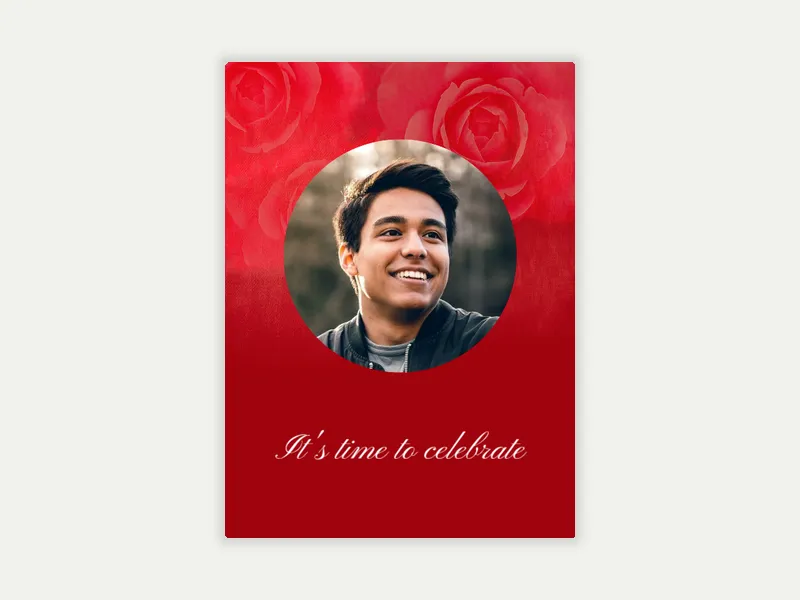
Browse the Adult Birthday Photo Invitations gallery. Use the "Preview with my photo" filter to see exactly how your image fits each template before you choose. Styles range from bold typographic to watercolor, vintage, glam, and retro.
Choose your design. Free options are ready to customize and send as-is. Premium unlocks custom backgrounds, envelopes, stamps, and animated effects.
Upload your photo. A portrait, a candid, or a group shot from a past birthday all work. High-resolution images produce the cleanest results.
Customize. Add the birthday person's name, age (if you're including it), date, time, location, and dress code. Add a wishlist link so guests arrive with gift ideas already sorted.
Add your guests. Enter email addresses or phone numbers individually, or import a list. You may also import guests directly from your Evite address book.
Send via text, email, or a shareable link you can drop in a group chat.
Your event dashboard tracks RSVPs in real time after you send the invite. Evite sends automated reminders to guests and lets you message all guests at once if details change before the party.