29 results
29 results
Frequently asked questions: Graduation Save the Dates
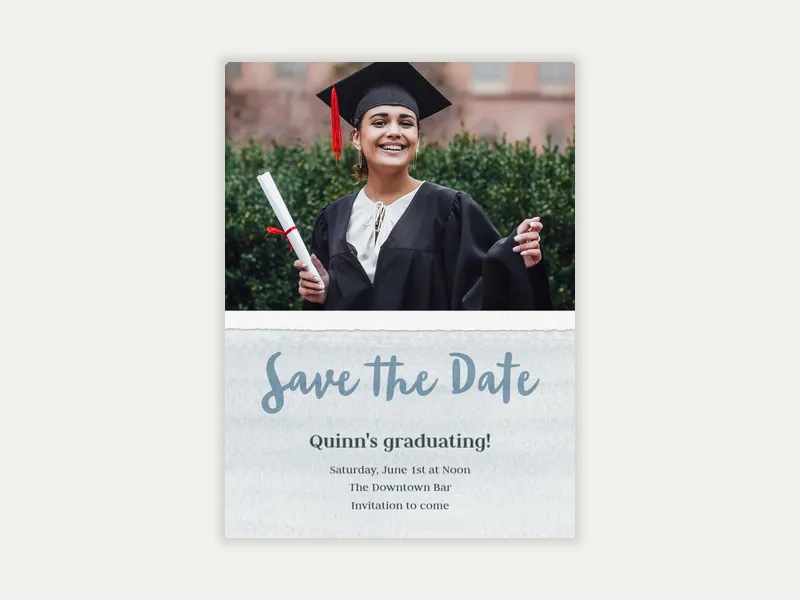
Graduation season moves fast—get your celebration on everyone's calendars before they fill up. Browse Evite's Graduation Save the Dates, upload a photo, and send to family and friends via text, email, or link.
Do you need to send save the dates for graduation parties?
You don’t need to send a save the date for a graduation, but it helps for most graduation celebrations. This is especially true for people with out-of-town family members or events with a large guest list.
Graduation season usually happens in May, June, and December. Families often juggle many ceremonies, parties, and end-of-year events during these times. A graduation party save the date puts your celebration on guests' calendars early, before the season gets crowded. This means better attendance and fewer scheduling conflicts.
Save the dates are especially useful when:
A digital save the date from Evite takes minutes to send.
What do you put on a graduation save the date?
Keep it short—a save the date is an early heads-up, not a full event brief. The goal is to give guests enough details to hold the date and location, while the formal invitation fills in the rest.
The essentials:
A few optional additions that make the save the date more useful:
When should you send a save the date for a graduation party?
The timing sweet spot for most graduation parties is six to eight weeks before the celebration.
A few scenarios where earlier is the right call:
Most graduation parties happen the same weekend as the student's grad ceremony. They can also happen the weekend right after. Once you confirm your ceremony date (usually in early spring for May and June graduates), send a save the date. You can do this even if you are still in the process of planning the party.
The formal graduation party invitation should arrive three to four weeks after the save the date.
How do you design a graduation save the date?
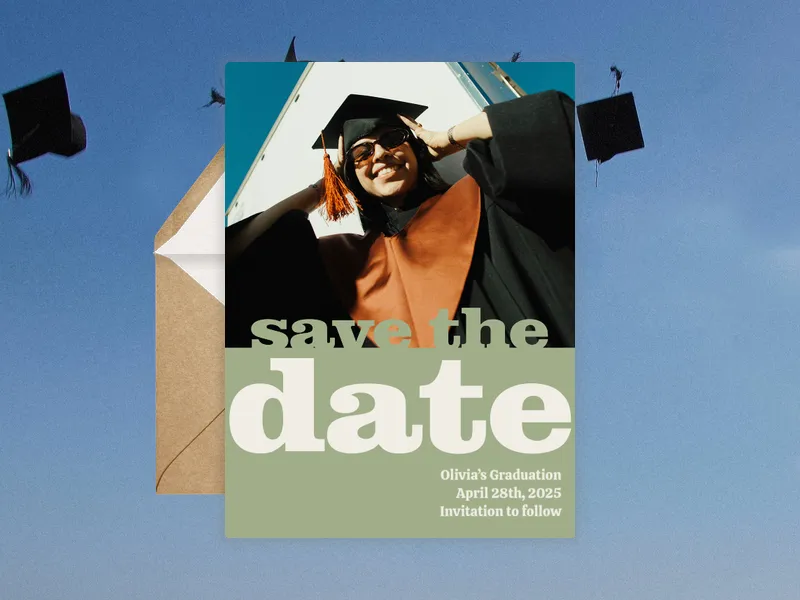
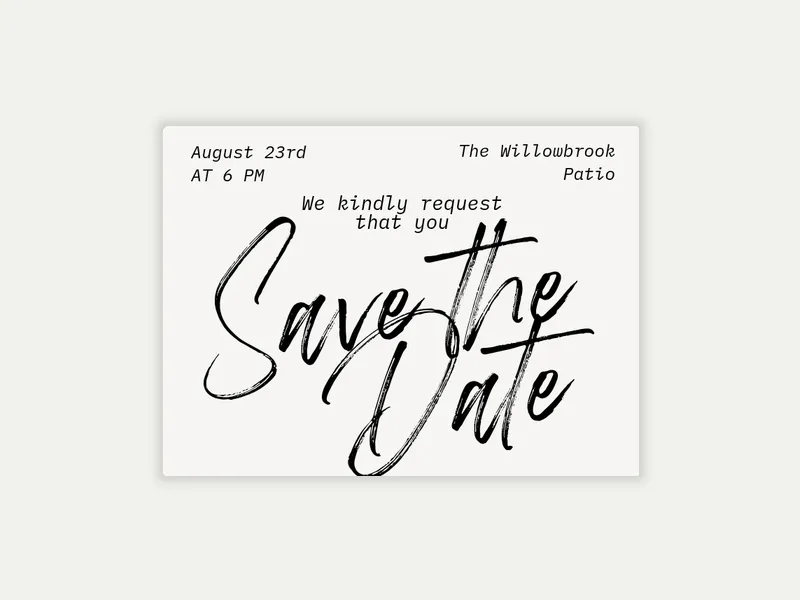
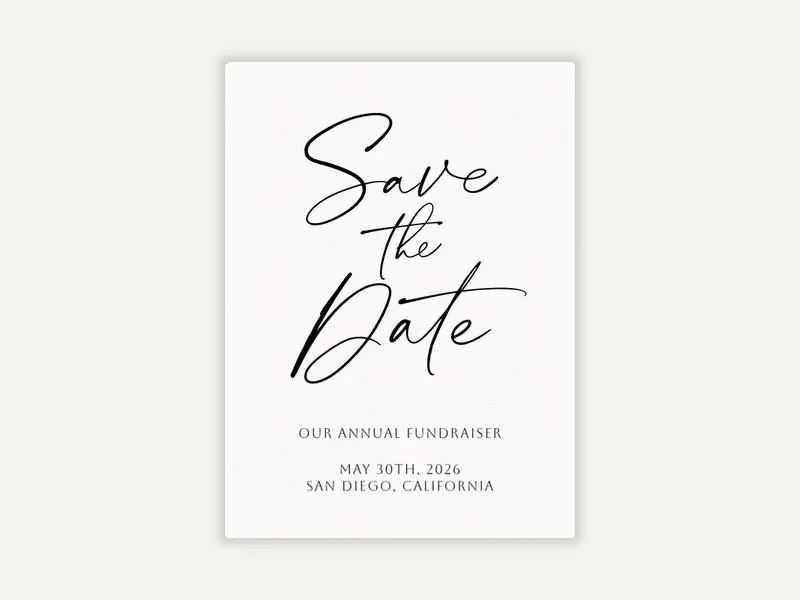
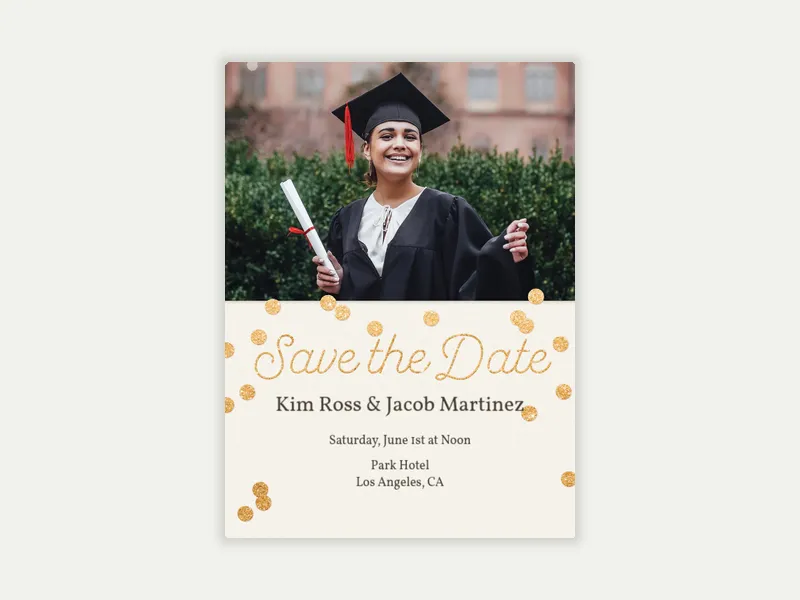
Evite’s graduation save-the-date designs range from clean type to elegant script to photo-first layouts. A few things to consider when choosing and customizing your design:
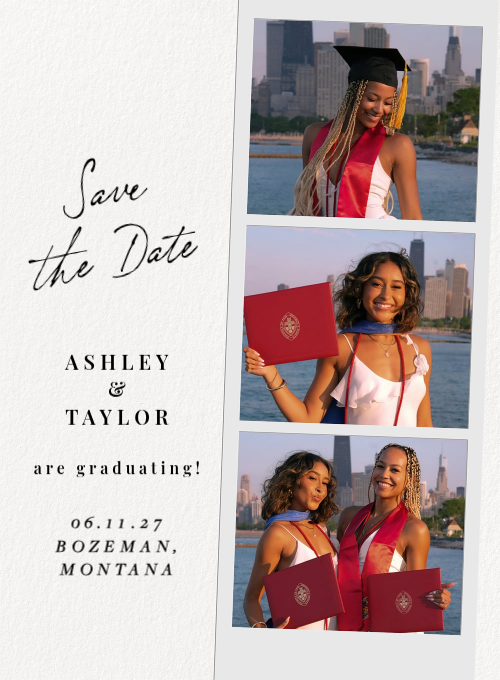
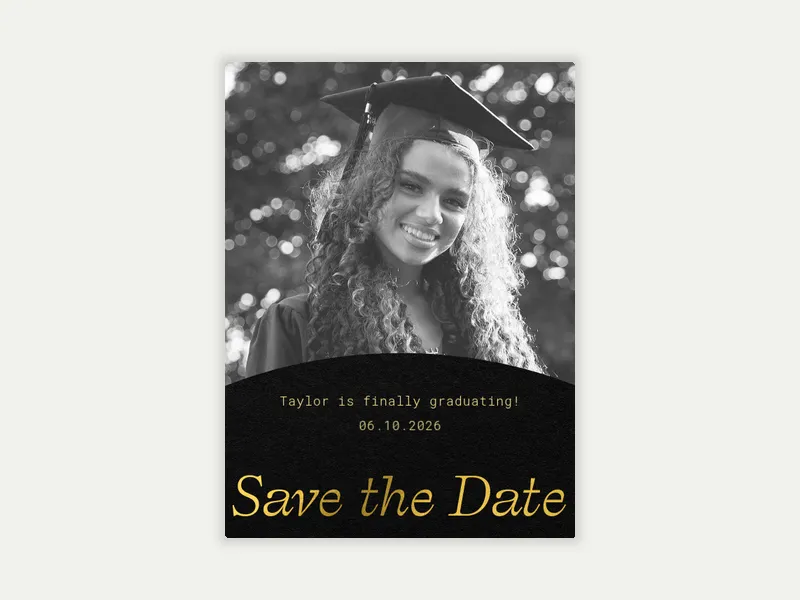
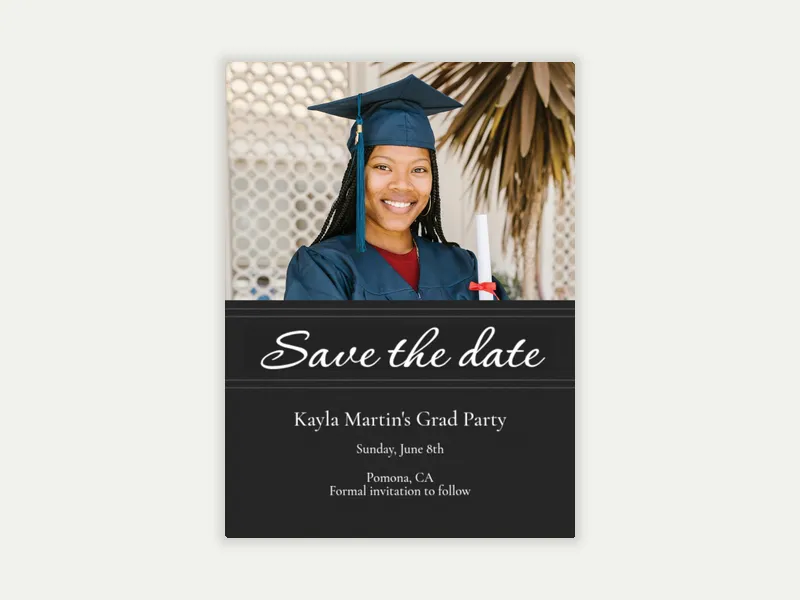
Photo or no photo? Designs with a photo option let you add a graduation portrait, a senior photo, or a candid photo. To focus on photo-based templates, filter Evite’s Graduation Save the Dates gallery to show only those.
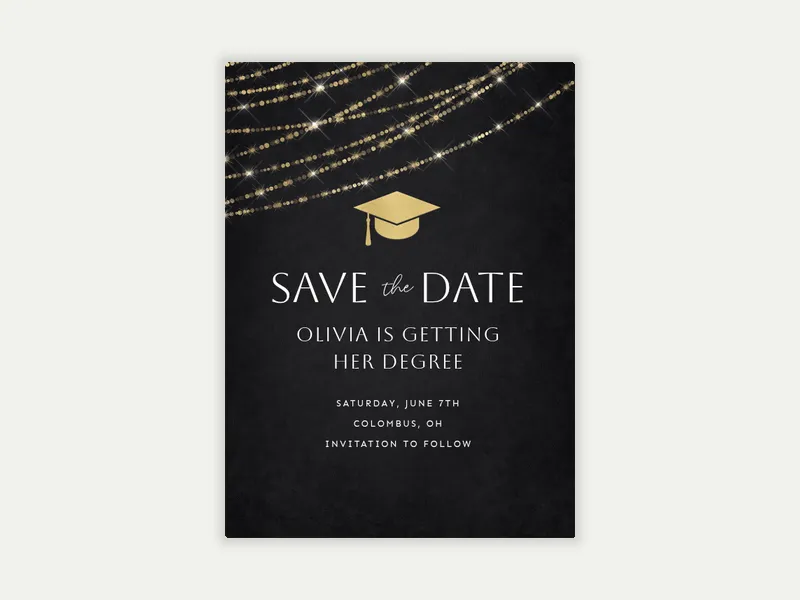
Tone and aesthetic. A gold foil script design reads differently than a bold typographic layout or a photo booth strip. Match the design to the party's vibe.
Color and personalization. Once you've chosen a design, customize the details. Add the graduate's name, the party's date, time, and location, and personal touches like school colors or a short message. Premium designs unlock additional customization options like envelopes, backgrounds, and animated effects.
Send your save the date. Add guests by email or phone number, or generate a shareable link to drop in a family group chat. Your Evite event dashboard tracks who received it and lets you follow up directly if needed. You also have the option to turn RSVPs on or off for your save the date, depending on how soon you want a headcount.
Find the right design in Evite's Graduation Save the Dates collection. When you're ready to send the full invite, browse our Graduation Invitations. We also have Graduation Announcements, if you'd like to share your student's big achievement but aren't planning a party.
© 2026 Evite. All Rights Reserved.