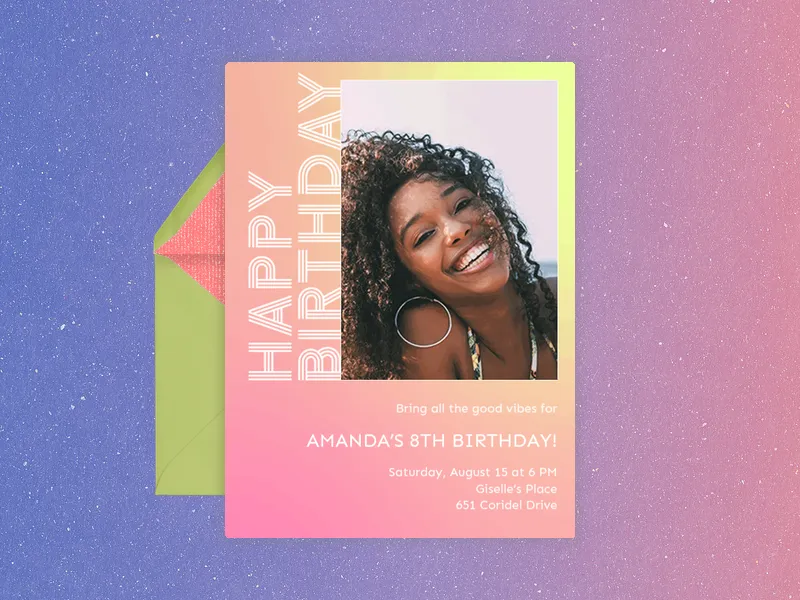
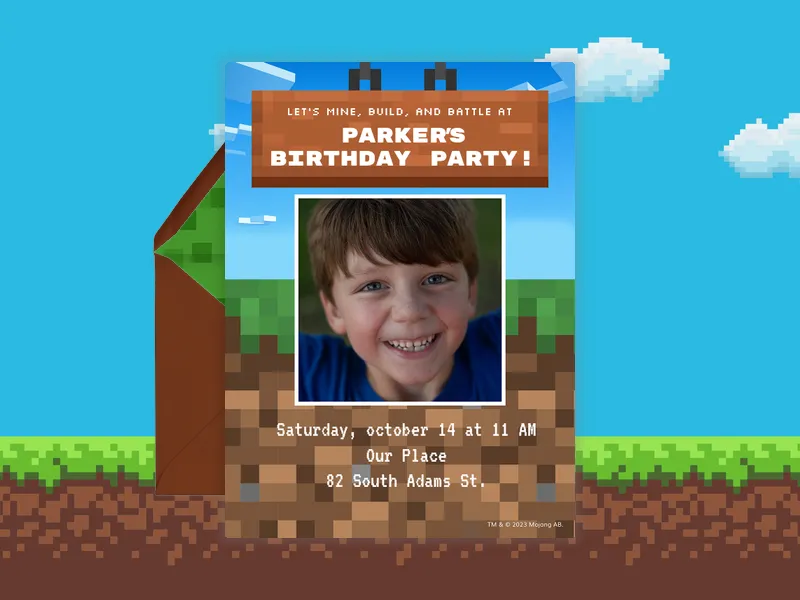
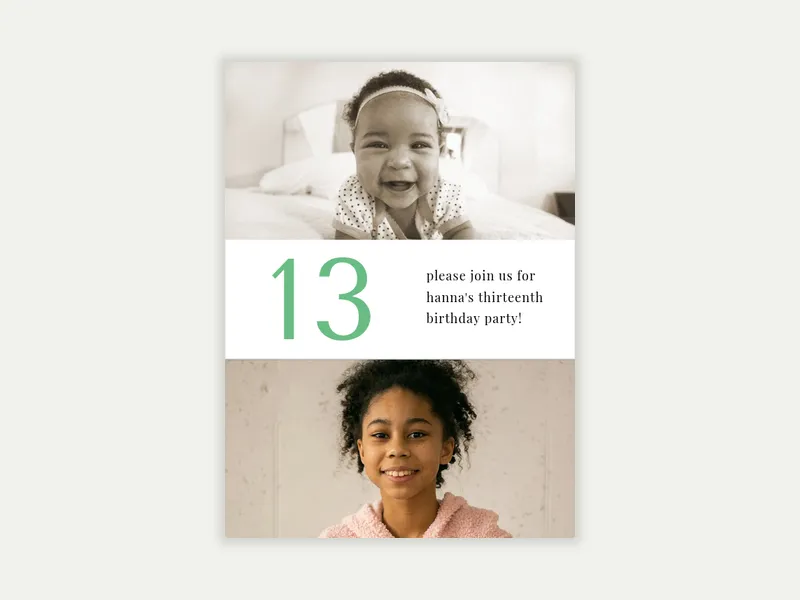
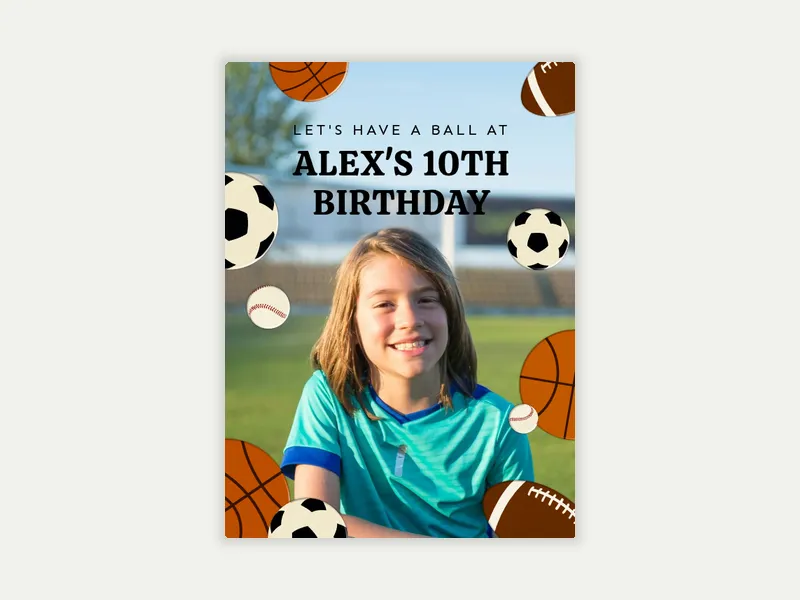
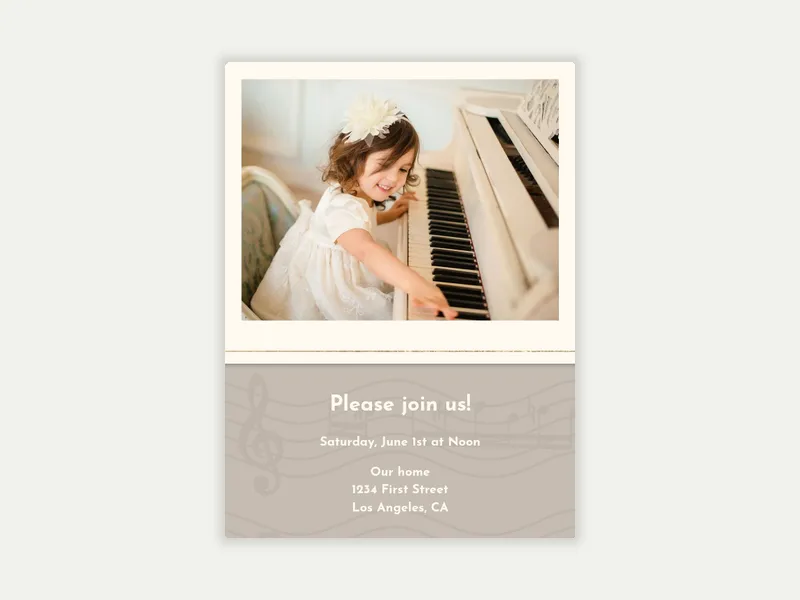
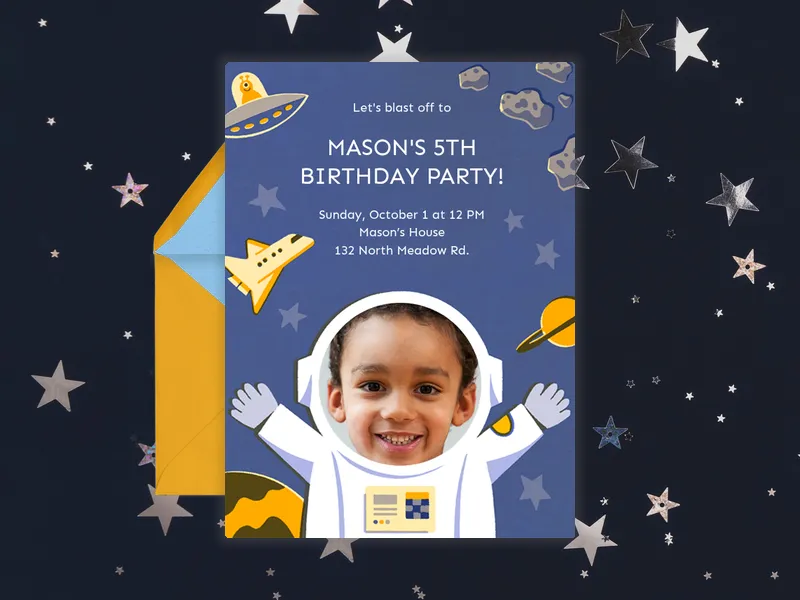
Browse Evite's Kids' & Teens' Photo Invitations for birthdays, and check out frequently asked questions below!
What is a photo invitation?
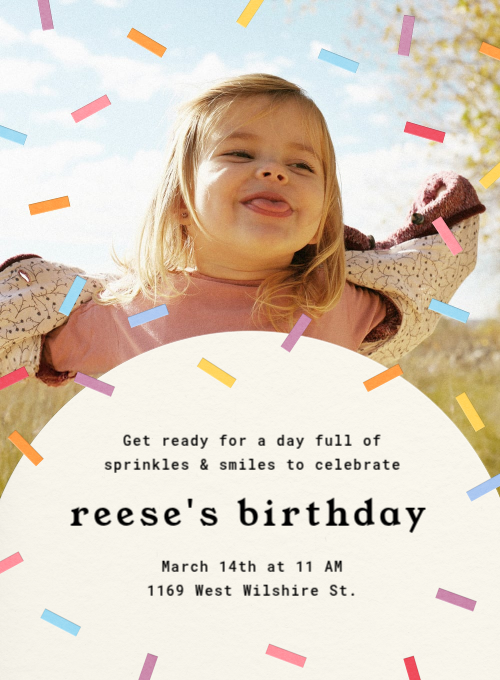
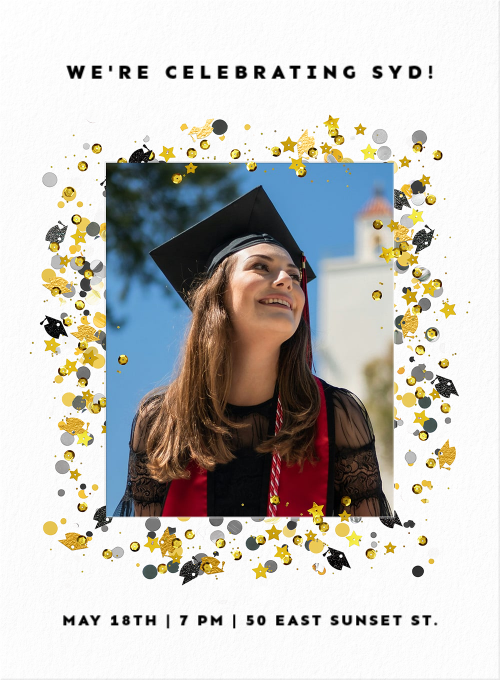
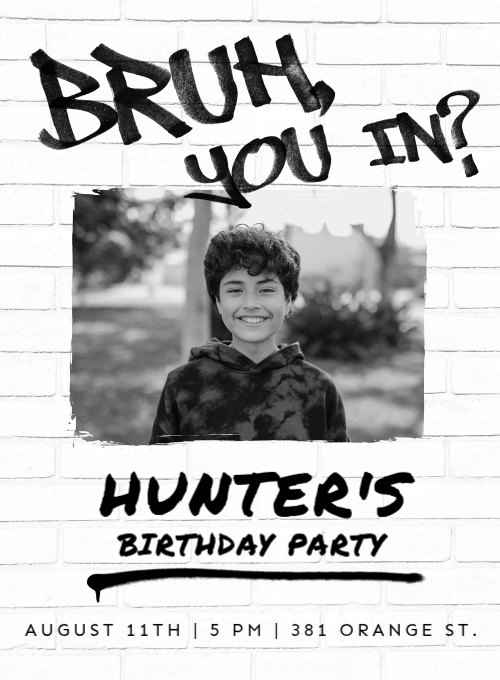
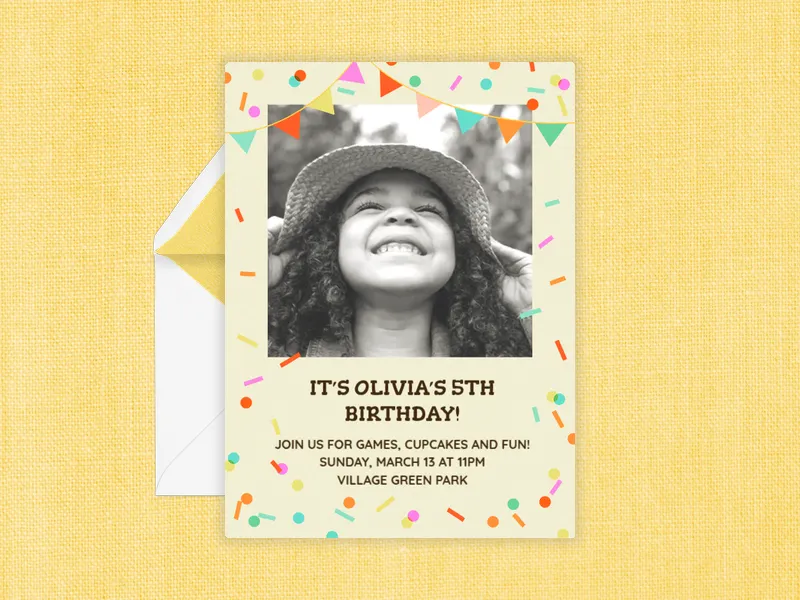
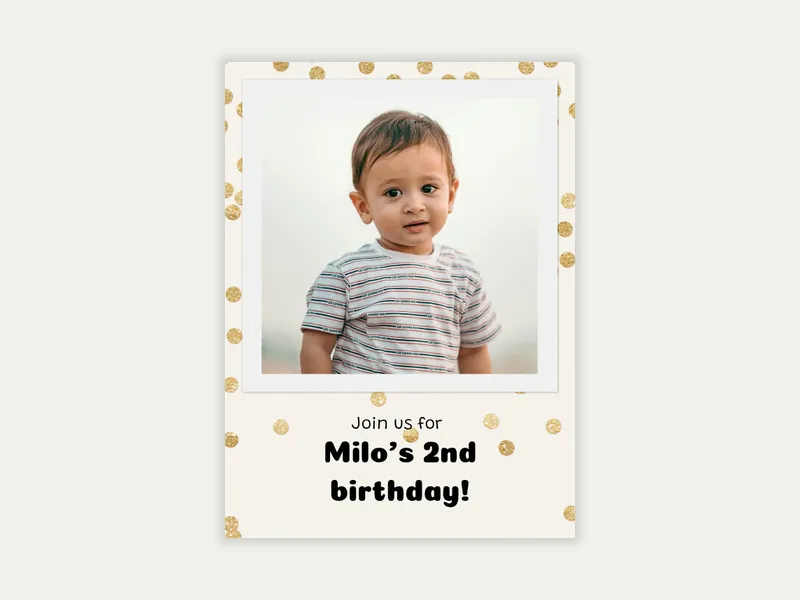
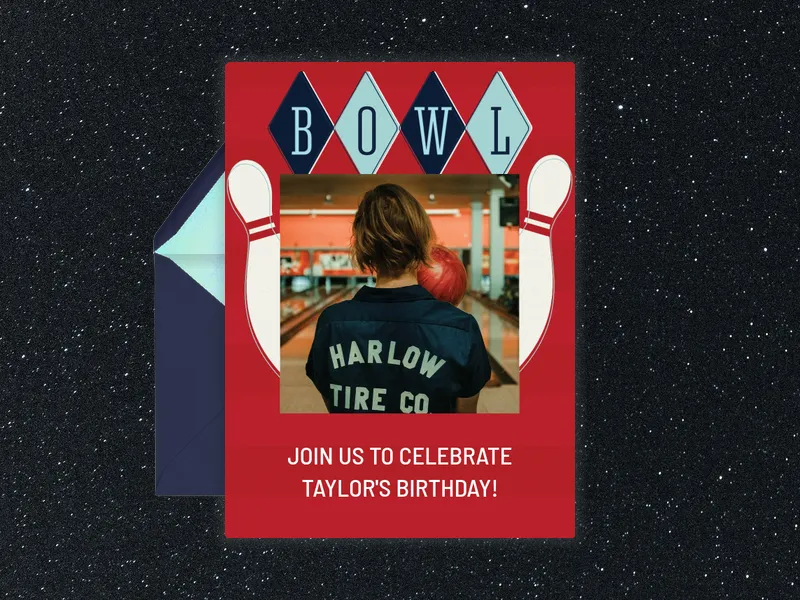
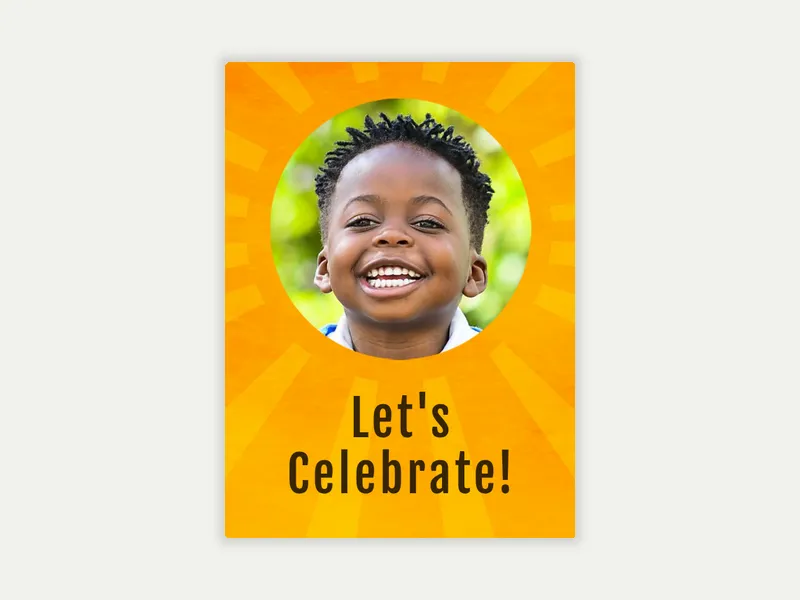
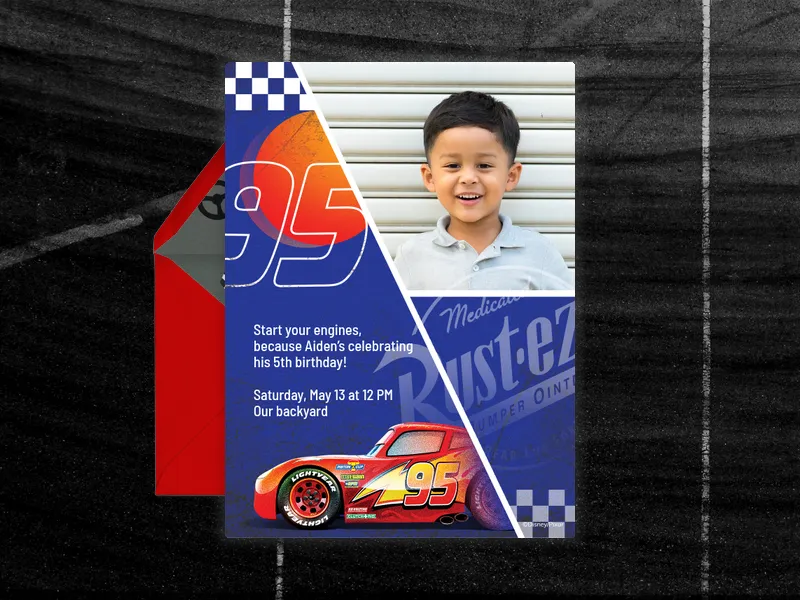
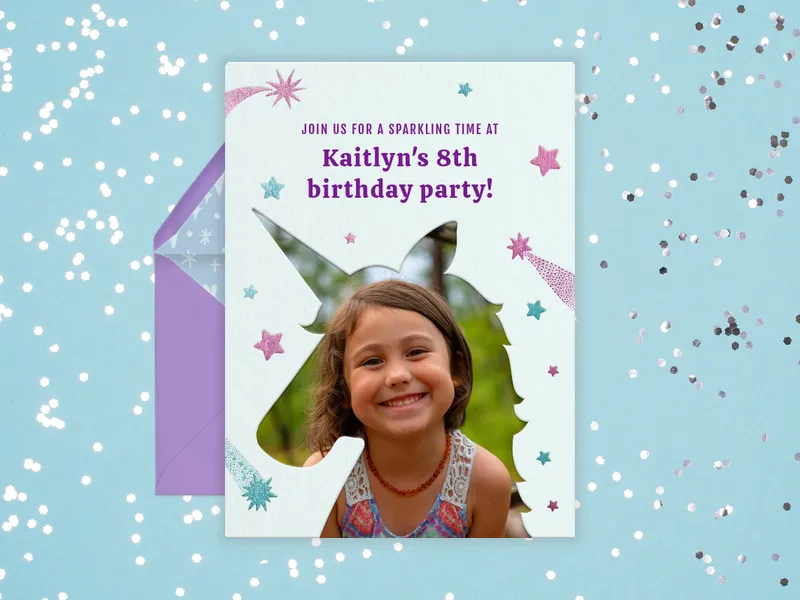
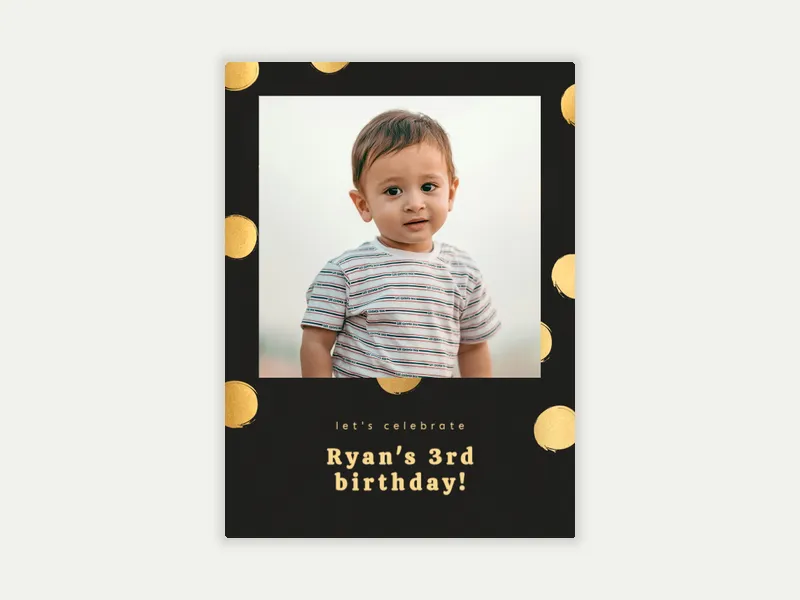
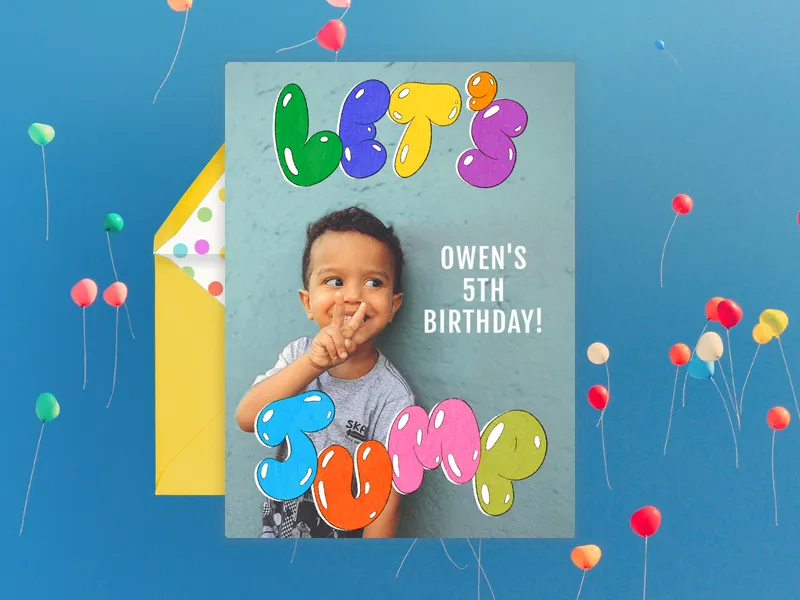
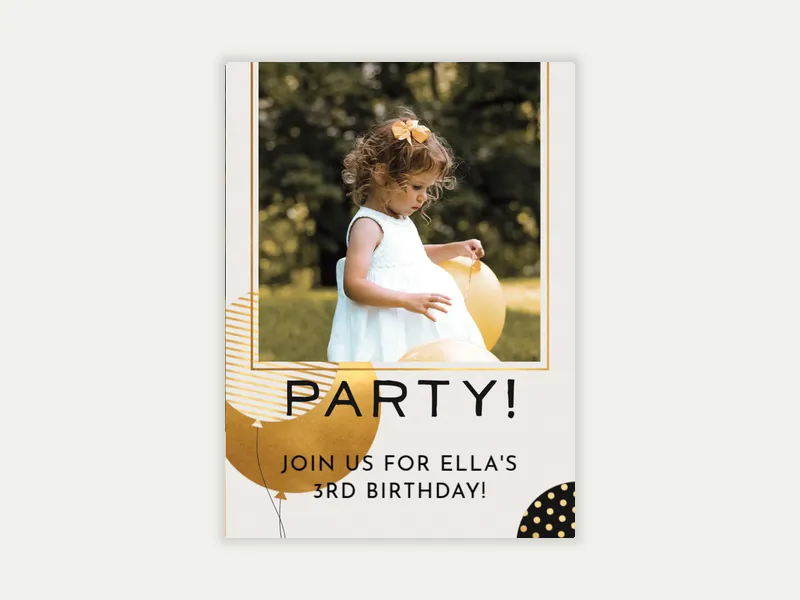
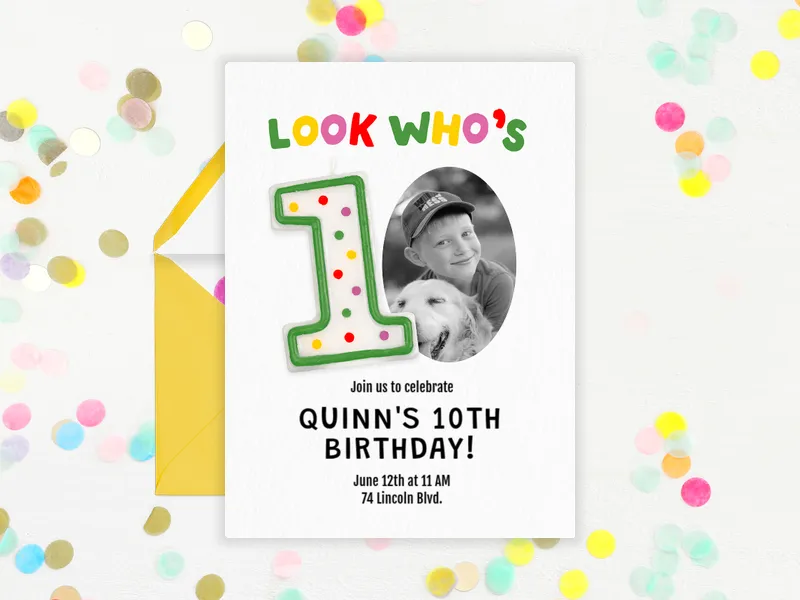
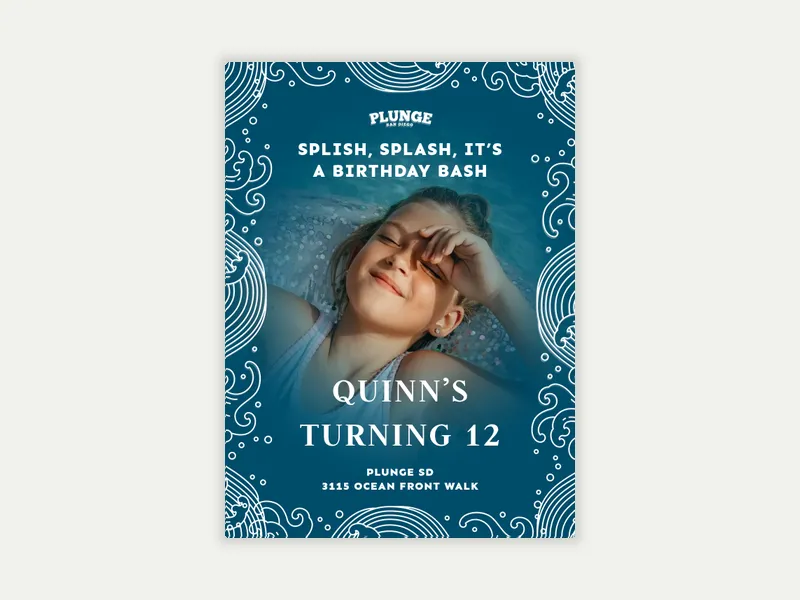
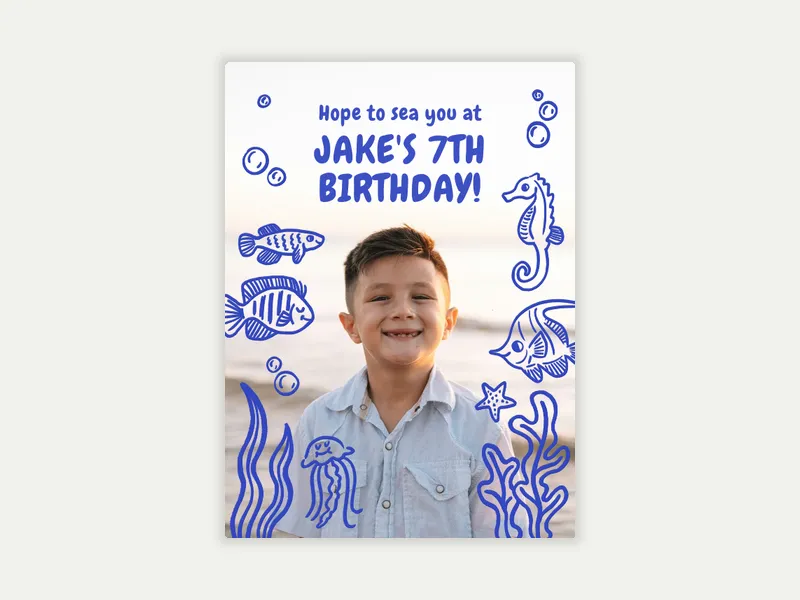
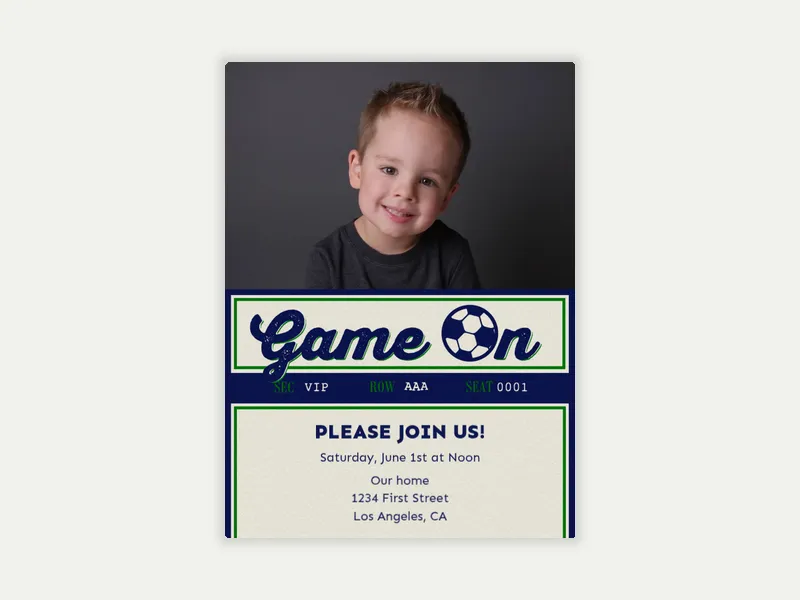
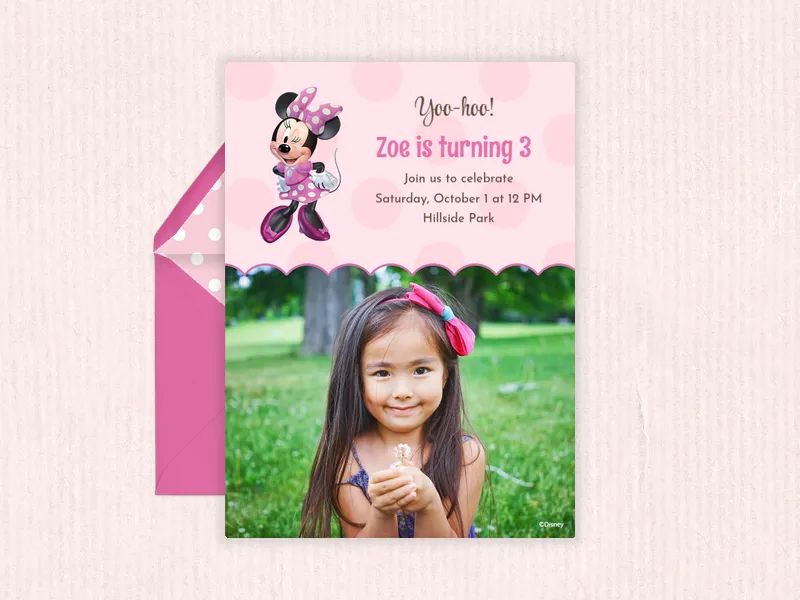
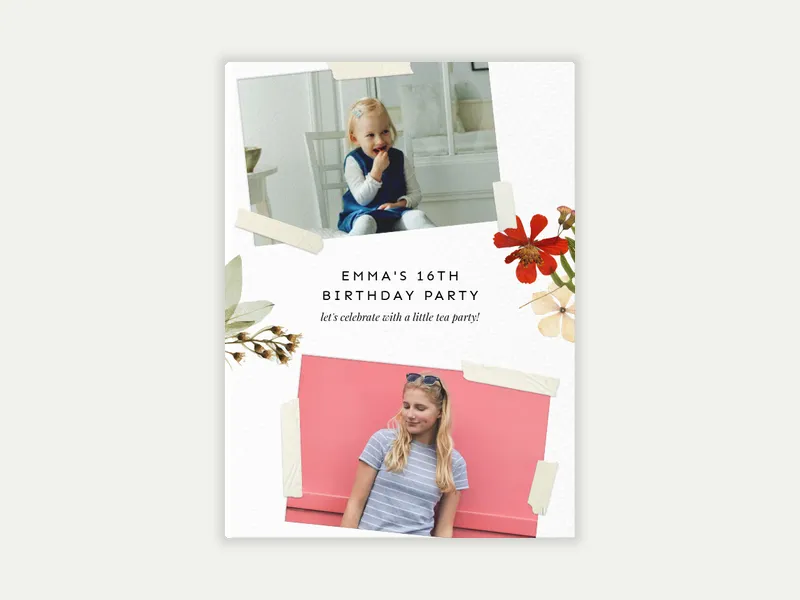
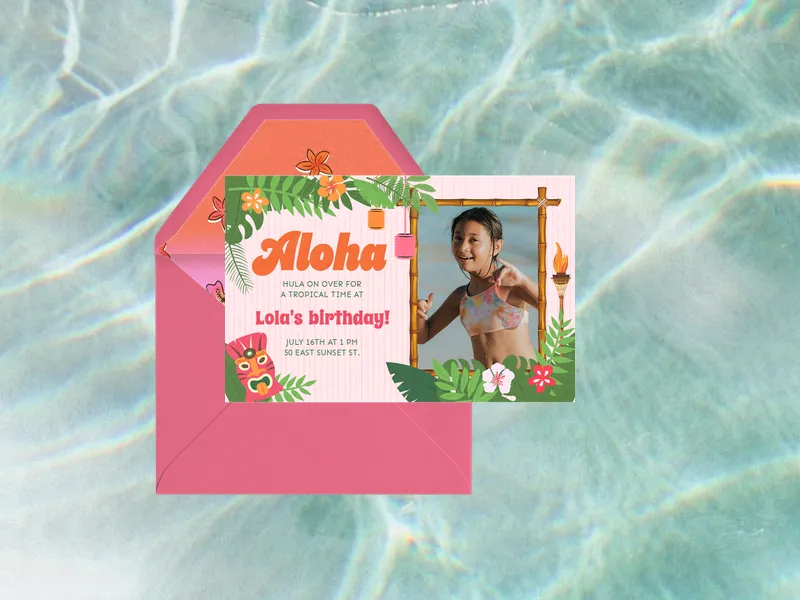
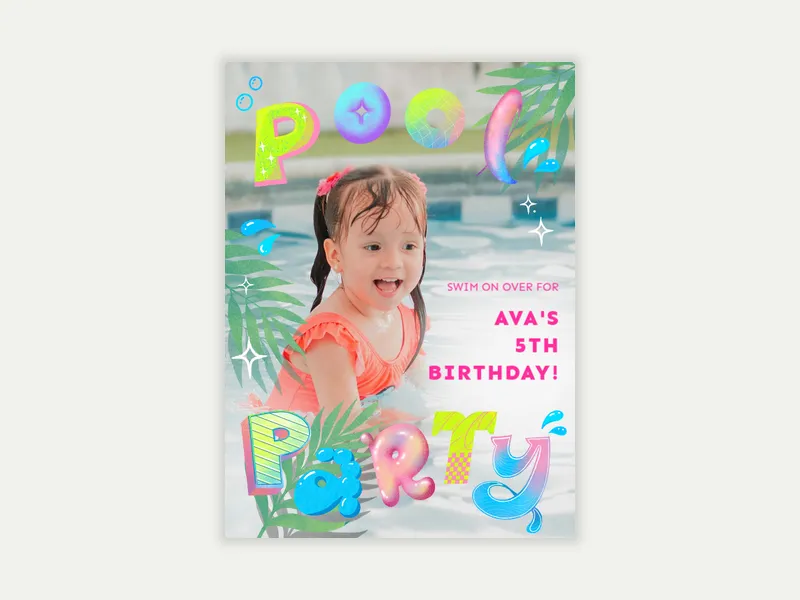
A photo invitation is a digital invitation that incorporates the guest of honor's photo into a professionally designed template. A photo invitation highlights the birthday child’s face and personality at this moment in time.
On Evite, photo birthday invitations are available for every age, from first birthday through 18th. They fit every theme, like pool parties, unicorns, superheroes, neon glow, sports, and gaming. They also include many licensed characters and venue partners. Use the "Preview with my photo" filter in the gallery to see exactly how your image fits each design before you choose.
What are good kids' party themes for birthday photo invitations?
The best theme matches the child's actual personality, not just what's trending. A few directions that work especially well across different ages and interests:
Pool or beach party
Superheroes and Marvel characters
Unicorns and mermaids
Neon glow party
Sports themes
Gaming and video games
Star Wars
Venue-specific themes
How do you make a photo birthday invitation for kids?
Creating a kids' photo Invitation on Evite takes just a few minutes:
Browse the Kids' & Teens' Photo Invitations gallery. Use the "Preview with my photo" filter to see how your image fits each template before you commit. Filter by age, style, character, or color to narrow it down.
Choose your design. Free and Premium options are available across the full range of themes and ages. Premium unlocks custom backgrounds, envelopes, stamps, and animated effects.
Upload your photo. A high-resolution image produces the cleanest result. Portraits with a clear focal point and good lighting tend to work best across most template formats.
Customize. Add event details like the birthday child's name and age, as well as the party's date, time, and location. Include a note about what to expect, like "come ready to swim" or "dress to glow." Include a wishlist link so guests arrive with gift ideas already sorted.
Add your guests. Enter email addresses or phone numbers individually, or import a list.
Send via text, email, or a shareable link you can drop in a class parent group chat or a family thread.
Your Evite dashboard tracks RSVPs in real time once the invitation is out. Automated reminders go to guests, and you can send messages to the guest list directly from Evite. Include a poll or event sign-ups to make the most out of our features.
How do you personalize a kids' birthday invitation with a photo?
Getting the most out of a photo invitation comes down to the photo itself and how it fits your selected template. A few things worth knowing before you upload:
Choose the right photo for the layout. Portrait-orientation templates work best with vertical photos; landscape templates favor horizontal shots. The "Preview with my photo" filter in the gallery shows exactly how your image sits in each design. You can also adjust the photo's size once you're customizing your invite.
Resolution matters. A high-resolution photo (taken in good lighting) produces a sharp, print-quality result. Blurry, dark, or heavily cropped images tend to look pixelated once scaled up to invitation size.
Let the child's personality show. The best photo for a birthday invitation isn't necessarily the most formal one. A candid mid-laugh, an action shot from a favorite activity, or a photo showing a clear interest tells more of a story.
Match the photo to the theme. A beach photo works well for a coastal or pool party template. A superhero costume photo fits naturally in a Marvel birthday design. The more the photo and the template reinforce each other, the more cohesive the final invitation feels.
Add the details that make it theirs. Beyond the photo, add the birthday child’s name to the design. Include a wishlist link so guests know exactly what to get them. Add party details like dress code, activity notes, and the RSVP deadline. These details make the invitation useful, not just pretty.