


The easy way to send free invites fast.
Free
 , textable invites that make plans real in just a few taps, for your
casual hangs.
, textable invites that make plans real in just a few taps, for your
casual hangs.


Let's do the things we talk about












You send it. They show.
Because someone has to pick a day and time.
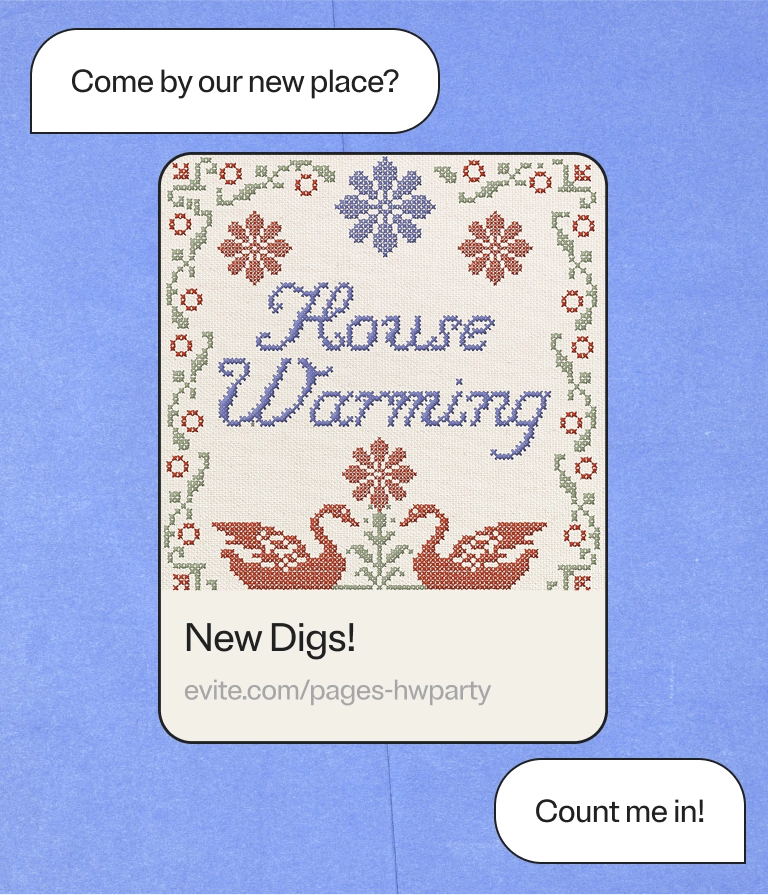
Let the group chat do what it does best.

Dial in the details. Skip the back-and-forth.
.webp)
.webp)
Frequently asked questions: Event Pages
Yes. These flyer-style digital invites are free for everyone, with no hidden fees. Hosts and guests don't even need to download an app to create one or RSVP. You can make an Event Page on the go, right in the browser of your phone, tablet, or desktop.
Whether you're planning a girls’ night in, a casual get-together, or a last-minute birthday hangout, an event page is a fast, free way to share details and collect RSVPs.
Making one takes just a few minutes, tops. Start by adding your gathering’s details—event name, date, time, and location. Then personalize your page by editing the main image and background to match your event's vibe or theme. Add a host note to share any extra details with guests, like what to bring or where to park.
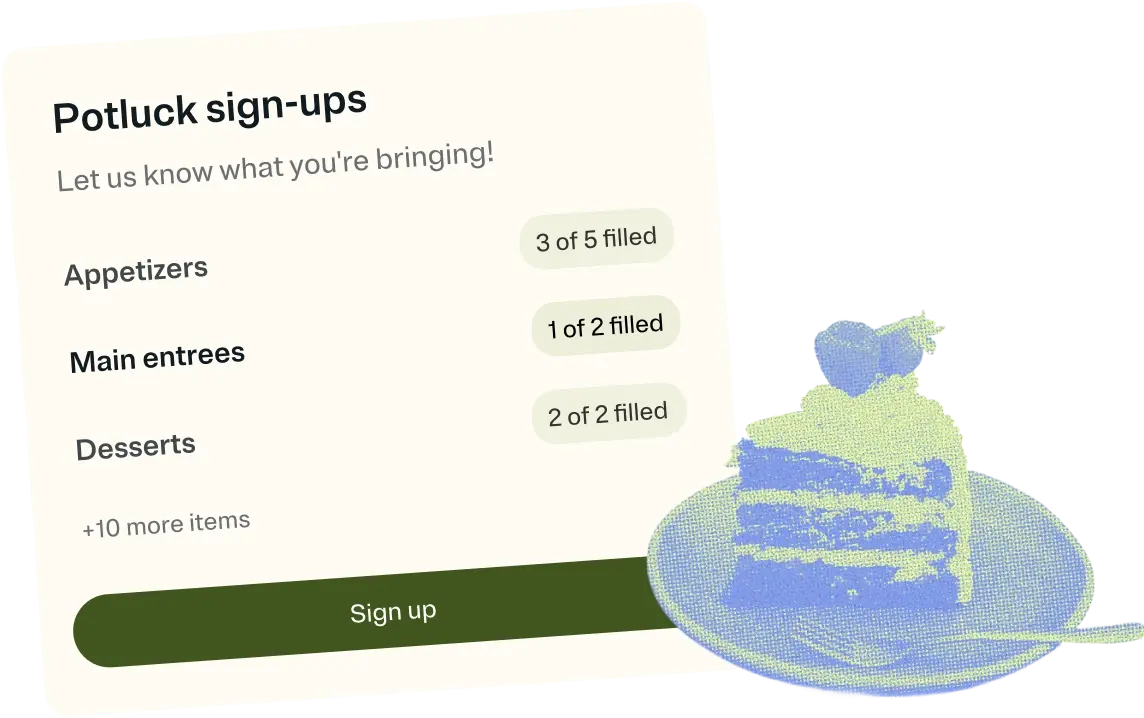
If you need help staying organized, set up an event sign-up sheet so guests can claim tasks or items. When your page is ready, copy your link and share it in the way that works best. For example, you can send it to invitees via text, DM, or social media post.
When guests open your link, they see key event details. These include the name, date, time, location, and a map to your event. This helps guests find the venue easily.
Your host note also appears on the page. It gives guests extra details you want to share. Add items like dress code, parking info, and more.
If you've set up event sign-ups, guests can claim items or tasks on the page. This makes it easy to coordinate potluck items or volunteer slots. It also keeps the group chat from getting clogged up.
Guests can RSVP right on the page. As the host, you can track who is coming, who is not, and who has not replied. Guests who have RSVPed will be able to see who else is attending your event.
Event Pages
Event Pages are free, textable invites for casual gatherings, like monthly book clubs, TV watch parties, or last-minute dinners with friends. Event Pages also work well for sports events like weekly run clubs or tennis matches.
Just add your event details, edit your main image and background, and copy your link. If you’d like, you can add a host note to give guests extra info. You can also opt to set up an event sign-up sheet to keep things organized.
Invitations
Invitations are Evite’s original product, which launched in 1998. Evite has a broad selection of free and Premium Invitation templates.
Premium Invitations offer more customization options, like a host photo gallery. You can also add a custom envelope, envelope liner, and background. Customize further with stamps, stickers, and animated effects. Plus, your guests get an ad-free experience if you send a Premium Invitation.
If you start with a free event Invitation and decide to upgrade to Premium, you can do that at any point before you hit send.
All Invitations let you add event sign-ups and link to a wishlist. You can include a charity or crowdfunding campaign. You can even add a shared photo album, where guests can upload photos after your event.
Still not sure whether to send an Invitation or an Event Page? Check out our guide on Evite's blog, along with more hosting ideas and etiquette tips.