Wedding Weekend Invitations
Find everything you need for a full weekend of events! Fall in love with our top-rated hosting tools like RSVP tracking, shared photo albums, and more.
185 results
Free Invitation
Free Invitation
Free Invitation
Free Invitation
Free Invitation
Free Invitation
Free Invitation
Free Invitation

Free Invitation
Free Invitation
Free Invitation
Free Invitation
Free Invitation
Free Invitation
Free Invitation
Free Invitation
Free Invitation
Free Invitation
Free Invitation
Free Invitation
Free Invitation
Free Invitation
Free Invitation
Fall in love with Evite's Wedding Weekend Invitations
From welcome drinks to ceremony to farewell brunch, there are all kinds of events that make up a wedding weekend! Whether you're planning activities for your guests from the moment they arrive… or you're opting for more of a choose your own adventure setup, Evite is here to help you keep all of your wedding weekend parties on track.
Get started by learning all about what makes up a wedding weekend and how to use Evite Invitations to keep your wedding weekend effortlessly organized.
Wedding Weekend Invitations: Frequently Asked Questions
What events happen on a wedding weekend?
A wedding weekend typically includes a welcome party or rehearsal dinner to greet guests and celebrate before the big day. The following day, the main wedding ceremony and reception occur. On the last day of the weekend, there is often a farewell brunch or casual gathering to thank guests and say goodbye.
Leading up to a wedding weekend, the couple may also host an Engagement Party, Bridal Shower, Bachelorette Party, Bachelor Party, or other Reception to gather loved ones and celebrate!
What invitations will I need for my wedding weekend?
This depends on how many events you are planning! For starters, you will want an Invitation for the wedding ceremony itself. It is important to include key details like the date, time, location, dress code, if there is a party or reception to follow, and other relevant information.
It is typically helpful to send separate invitations for additional wedding weekend events, such as a rehearsal dinner or welcome cocktail hour, because these events may be smaller and more intimate and may not include everyone on the ceremony guest list.
Sending separate invitations allows you to curate the guest list and the vibe for each event specifically.
It is also thoughtful to send Thank You Cards after a wedding, to thank guests for their attendance and/or for any gifts or contributions they made to the event.
How do I make my wedding weekend invitations?
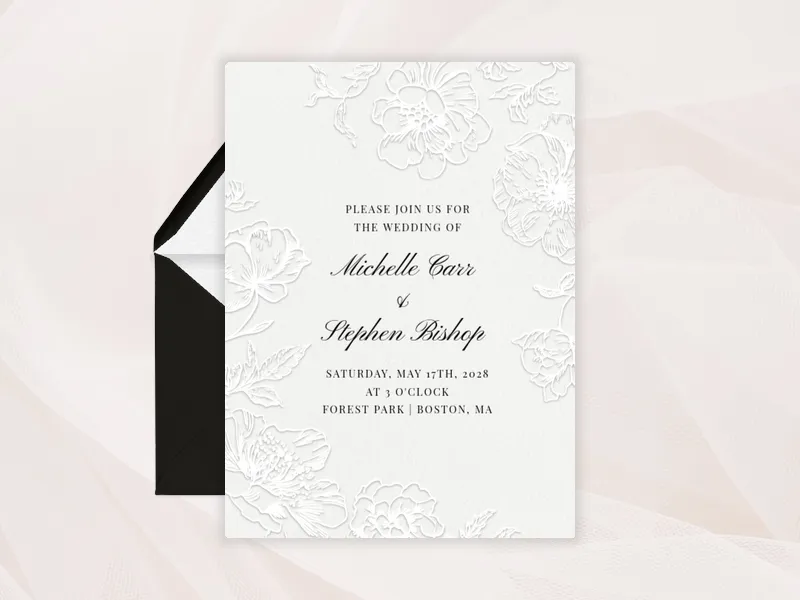
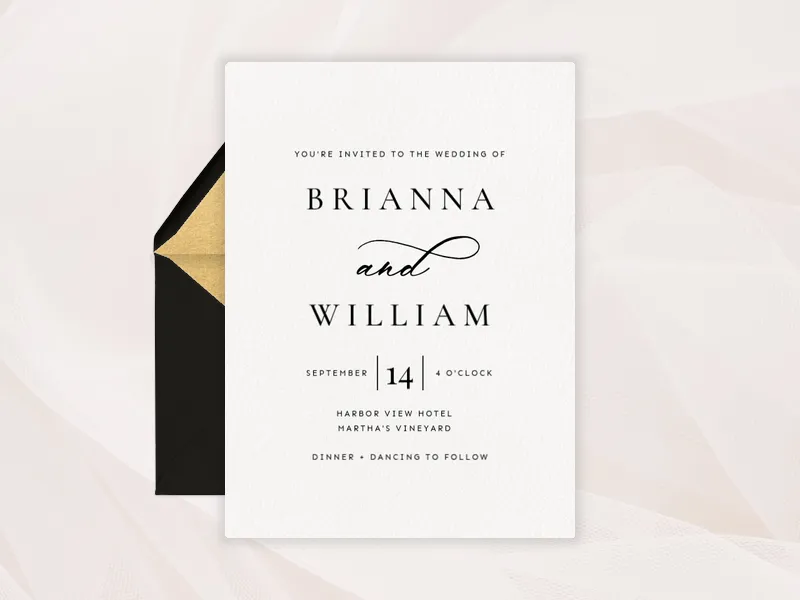
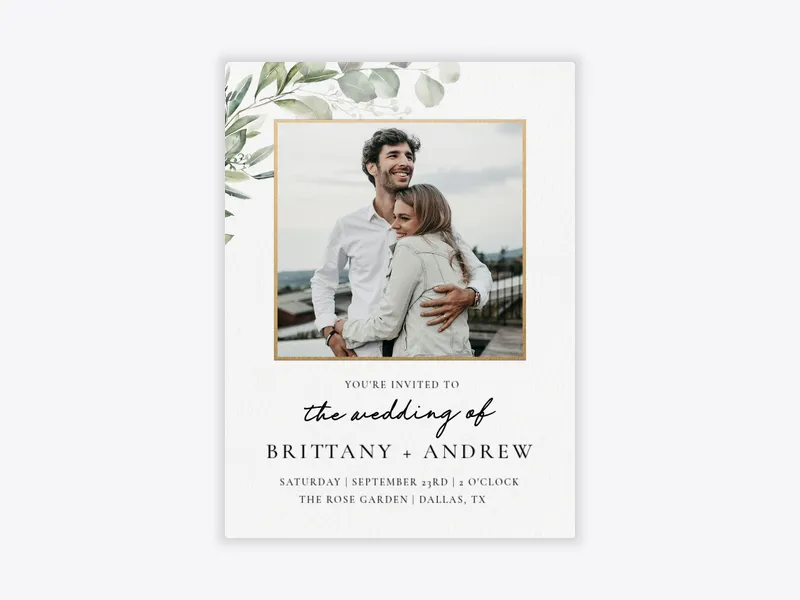
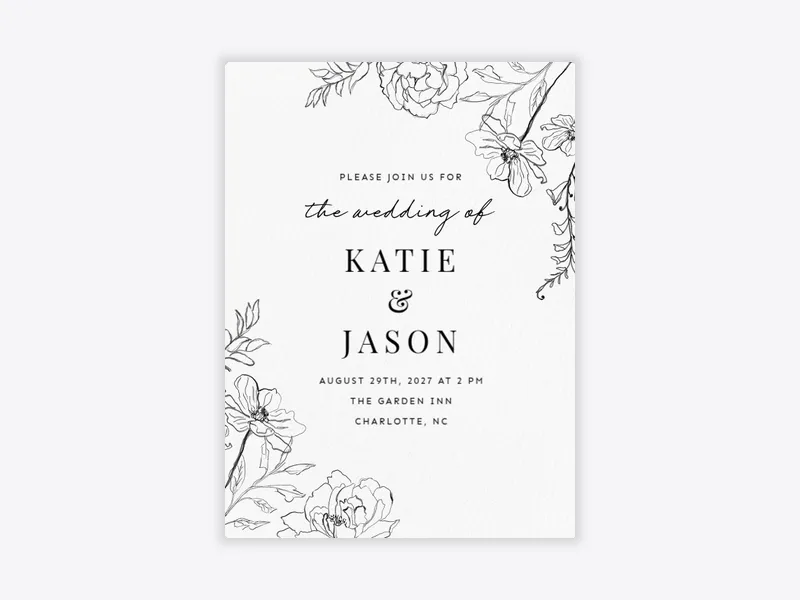
Evite makes it easy to customize a stunning online Wedding Invitation in minutes.
Follow these simple steps:
- Choose your favorite digital Wedding Invitation template from our collection. Whether you're hosting a formal black tie event or a casual backyard party, Evite has a design for your wedding theme.
- Add the couple's names to the Invitation. Be sure to include the wedding date, time, and location. You can also add any additional details guests should know, like parking info and RSVP deadlines.
- Add some extra flair. Premium Invitation users can customize their invites even more with stamps, stickers, envelopes, and animated effects. Premium users can also add a Host Photo Gallery. This lets you curate personal photos to show on your Invitation.
Once you're done with your design, add any other notes, input your guest list, and send it off!
How should I word a wedding weekend invitation?
To word a Wedding Invitation, the first rule of thumb is to make sure you include the couple's names!
Next, make it clear what events are taking place that weekend. If there are events that all guests are invited to, specify the time, date, and location of each.
Typically, wedding invitations are worded clearly and elegantly with a tone that reflects the style and formality of the celebration. But, if you're hosting a more casual event, you can adjust the verbiage to make it feel true to you!
How do I send my wedding weekend invitations?
Once you've made your Invitation, effortlessly invite your guests and their plus-ones via email, text, or link. You can manage your Invitation anytime, anywhere, and from any device.
If you want help managing your event, add a fiancé or wedding planner as your co-host to help coordinate the details.
Pro tip: download the Evite app from the App Store or Google Play to simplify managing your events! You can monitor RSVPs instantly for a precise guest count and communicate with attendees by sending a group or individual message.
What information should I include in my online wedding weekend invitation?
Your digital wedding invitation should feature the couple's full names, along with the date, time, and location of the ceremony and reception.
Be sure to include RSVP details and a link to your registry, as well.
You can also add helpful notes such as dress code, parking instructions, directions, or reception information.
If you're hosting multiple events, consider sending separate invitations for each or including a weekend schedule to keep guests organized.
When do I send save the dates for a wedding weekend?
Send your Save the Dates about 4 to 6 months before the wedding. If it is a destination event, send them earlier. This gives guests time to plan for childcare and places to stay.
When do I send out wedding weekend invitations?
Formal wedding invitations should go out around 6 to 8 weeks ahead of your big day. If the event is a destination wedding and you are not sending Save the Dates, then you should send your invitations even further in advance.
Do weddings have to be on weekends?
No! While it is typically easier for guests to travel on weekends, there is no set rule saying that a wedding has to be on a weekend!
Consider how large your event will be, and how it may impact your guests' ability to attend based on the day or even time of year you choose to host your event.
But, at the end of the day, your wedding is about you, so you should feel free to pick a date that feels special or right for you!
How else can I celebrate my upcoming wedding?
Lean into the celebratory nature of this period of life by hosting an engagement party, bachelorette party, and bridal shower with Evite.
Pro tip: hosting special events to bond with your wedding party can be the key to a perfect wedding day where everyone feels good!
Check out the Evite blog for party themes, fun activities, and planning checklists to make every event one to remember.
How can I save on my wedding invitations?
If you're hosting multiple events for your wedding, our annual Invitation and Greeting Card subscription is the way to go! With Evite Pro, you start saving instantly when you plan 3 or more events in a year.
Want more perks? Evite Pro users can create unlimited Premium designs. They also have access to all our customization tools. These tools include stamps, envelopes, stickers, and animated reveals and effects. You can send Invitations using Evite Pro to up to 2,500 guests each time.
So, here's to a wonderful wedding weekend and your custom wedding invitation suite. Congratulations, we're honored to be part of your wedding day!