Evite logo
InvitationsEvent PagesGreeting Cards
Evite ProFavorites

Summer PartiesBabyKids' BirthdayAdult BirthdayWeddingBusinessPartiesUpload Your Own
All Invitations/Save the Date Shop

Business Save the Dates

Spread the word about your professional event early—browse Evite’s collection of customizable (and RSVP-optional) digital Business Save the Dates.

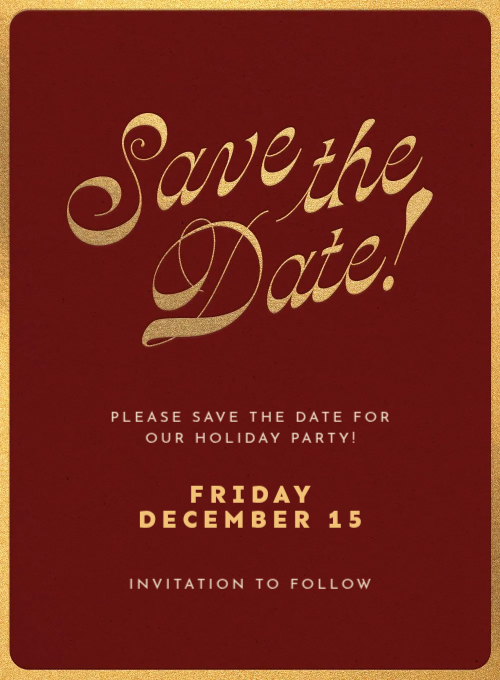
A save the date card with black and gold geometric diamond medallion borders on the left and right sides on a cream background.A save the date card with gold script typography on a deep burgundy background with gold foil border.A save the date card with gold decorative curved line designs in the corners on a cream background.

37 results

Related categories

Save the Date: WeddingSave the Date: BirthdaySave the Date: PartiesSave the Date: BabySave the Date: GraduationSave the Date: Business
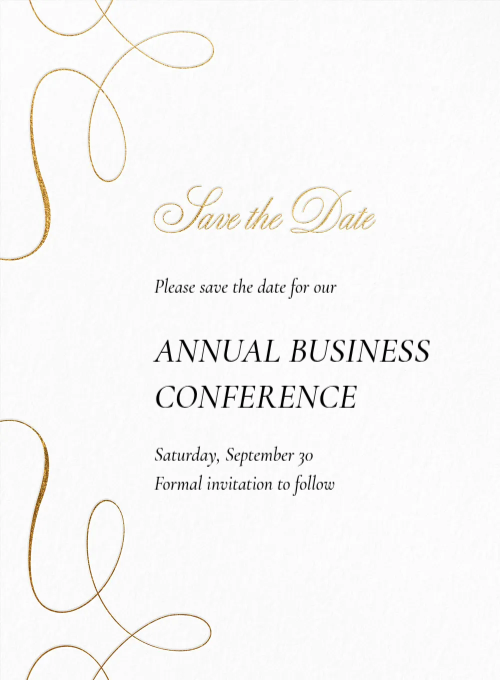
It's a Celebration - business_save_the_date - Invitation
Premium

It's a Celebration

Gold Trim - business_save_the_date - Invitation
Premium

Gold Trim

Minimalist Gold - business_save_the_date - Invitation
Premium

Minimalist Gold

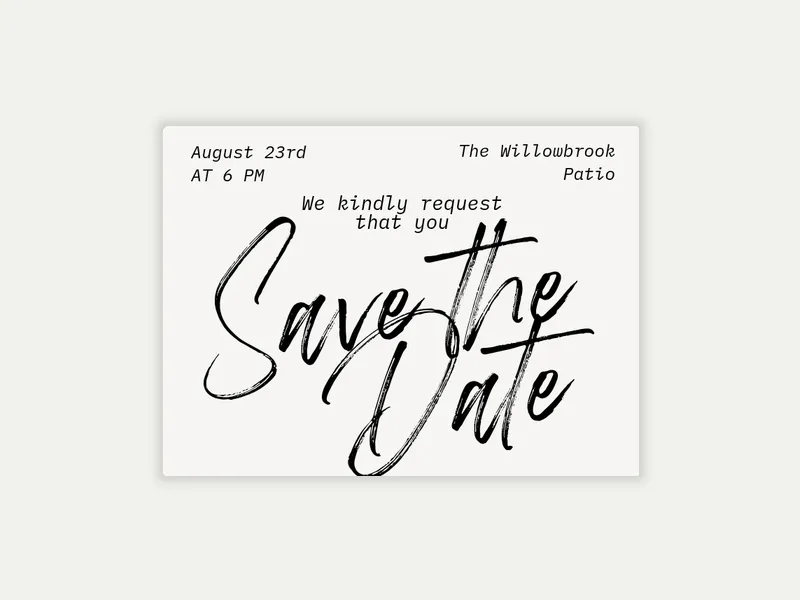
Black Script - business_save_the_date - Invitation
Free

Black Script

Mosaic Celebration - business_save_the_date - Invitation
Free

Mosaic Celebration

Simple Script - business_save_the_date - Invitation
Free

Simple Script

‌
Premium

Gold Marker Script

‌
Premium

Many Years Fabulous

‌
Premium

Jovial Junctions

‌
Free

Classic Commitment

‌
Free

Tonal Jubilee

‌
Free

Merriest Confetti

‌
Premium

Garden Medallion

‌
Premium

Natural & Embossed

‌
Free

To the Point

‌
Free

Bold Type

‌
Free

Glitter Gathering

‌
Free

Glitter Confetti

‌
Free

Gold on Paper

‌
Free

Spruce Branches

‌
Free

Colorful Shapes

‌
Free

Merry Lights

‌
Free

Holiday Cocktail

‌
Free

Ride the Waves
‌
Free

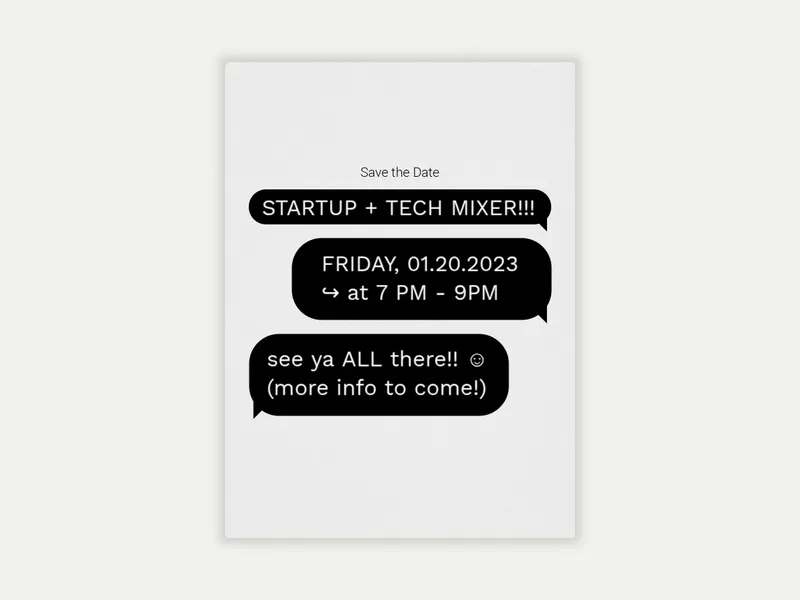
Text Bubbles

‌
Free

Red & Gold Glitz

‌
Free

Foil Paper Hearts

‌
Free

Holiday Checkers

‌
Free

Watercolor Mistletoe

‌
Free

Go for Gold

‌
Free

Floral Silhouettes

‌
Free

Confetti Cocktail

‌
Free

Floral Monogram

‌
Free

Holly Frame

‌
Free

Winter Citrus

‌
Free

Festive Wreath - (Save the Date)

‌
Free

Golden Foliage


Frequently asked questions: Business Save the Dates

Get your event on guests' calendars before the invitation goes out. Browse Evite's Business Save the Dates, customize your design, and send to your team, clients, or guests via email, text, or link.

Do you need to send a save the date for a business event?

Not always — but for the right event, a business save the date is one of the most practical things you can send.

Professional calendars fill up fast, especially in Q4 (holiday parties, year-end events) and in busy spring conference season. Colleagues, clients, and partners book out quickly; the earlier your event gets on their radar, the better the attendance. A save the date claims the date before scheduling conflicts arise.

They're most useful when:

  • The event is high-stakes. A company anniversary gala, an annual client appreciation dinner, or a major team celebration warrants early notice.
  • Out-of-town attendees participate. Anyone booking flights or hotels needs more runway than a two-week invitation window provides.
  • The event falls in a competitive time window. November, December, and holiday party season fill calendars fast. Sending a save-the-date in October is not too early.
  • You haven’t locked in the full details yet. A save the date helps you claim the date while you finalize the venue, catering, and logistics. You can include more details in the formal invitation.

For low-stakes internal events, like a team lunch or casual happy hour, a save the date is optional.

How far in advance should you send a business save the date?

Four to eight weeks ahead is typical for most business events. The right timing depends on the event’s formality, the guest list, and the time of year.

A few timing guidelines by event type:

  • Office holiday parties and year-end events. Send six to eight weeks out.
  • Annual galas, client appreciation events, and milestone celebrations. Send it eight to twelve weeks ahead, especially if out-of-town guests need to travel in.
  • Corporate conferences and multi-day events. Three to six months is not unusual for large-scale events requiring travel and hotel bookings.
  • Team lunches, casual happy hours, and internal socials. Two to three weeks ahead is typically sufficient; a save the date is optional for lower-key gatherings like these.

Send your formal business invitation two to four weeks after the save the date. This gives guests enough time to RSVP. It also ensures hosts get a clear headcount before the event.

What do you write on a business save the date?

A business save the date is a placeholder for your corporate event, not a full invitation. Keep it concise; the formal invitation handles the details.

The essentials:

  • Event name. Give the gathering a clear, specific name, like "2026 Annual Client Appreciation Dinner" or "Q4 Team Celebration."
  • Date. If you have the event start time ready, add that as well.
  • General location. The city or venue name is sufficient at this stage.
  • Host or organization name. Especially important for client-facing events where guests need to know immediately whose gathering it is.
  • "Formal invitation to follow." A brief line that sets the right expectation.

A few options that add value without overloading the save the date:

  • Dress code hint. If it's a black-tie dinner or a casual rooftop happy hour, a brief note helps guests start planning.
  • Registration or RSVP signal. If the event requires advance registration, a heads-up like "registration details to follow" manages expectations early.
  • Company logo or branding. For client-facing events, a branded save the date reinforces organizational identity from the first touchpoint. Evite's logo upload invitations let you add your company mark directly to the design.

How do you create a business save the date?

Creating a professional save the date on Evite takes just a few minutes. Here's how:

  1. Browse the Business Save the Dates gallery and choose a design that fits your event's tone.
  2. Choose your design. Evite has free and Premium options available. Premium designs unlock custom backgrounds, envelopes, stamps, and animated effects.
  3. Customize. Add your event name, date, time (if confirmed), location, host or organization name, and any relevant notes.
  4. Add your guests. Enter email addresses or phone numbers individually, or import a list.
  5. Send via email, text, or a shareable link. You can distribute a link easily through a company intranet, a Slack channel, or a team email thread.

Your Evite dashboard shows who received the save the date and lets you follow up directly. When the formal invitation is ready, you can easily use the same guest list you did with your save the date.

Ready to get your event on the calendar? Browse the full collection of Business Save the Dates and send yours today. Once you lock in the details, browse our Business Invitations gallery. Teams that host events regularly can explore Evite Pro for unlimited Premium sends at $249.99/yr.

Evite

Invite us in. We'll bring ideas for your next gathering.

ABOUT US
  • Our Story
  • Blog
  • Press
  • Careers
  • Giving Back
EXPLORE
  • Invitations
  • Event Pages
  • SignUp Sheets
  • Greeting Cards
  • Evite Pro
  • Site Map
MY EVITE
  • My Account
  • My Invitations
  • My SignUp Sheets
  • My Greeting Cards
GET HELP
  • FAQs
  • Contact Us
  • Pricing
  • Refund Policy
  • Premium vs. Free
Available on the App StoreEvite App on Google Play
  • © 2026 Evite. All Rights Reserved.

  • Privacy Policy
  • Trademark Notices
  • Terms of Service
  • California Privacy Notice