Should I make an Invitation or an Event Page? A guide to picking the right one for your gathering
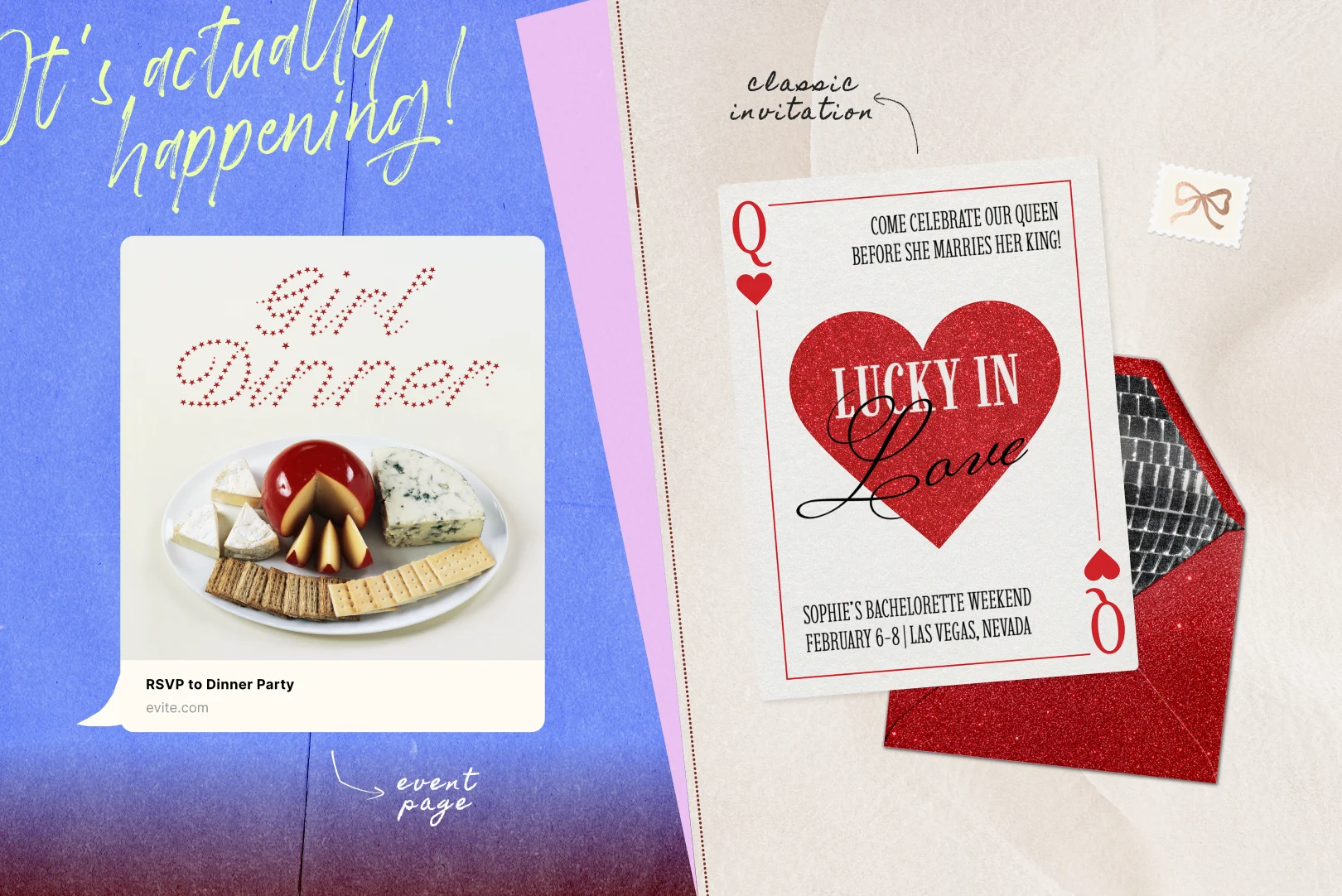
Got an event coming up? Evite now has two ways to get the word out: Invitations and Event Pages. They're each built with different kinds of gatherings in mind, but can both be used for just about anything (in fact, we encourage you to get creative).
What are Event Pages?
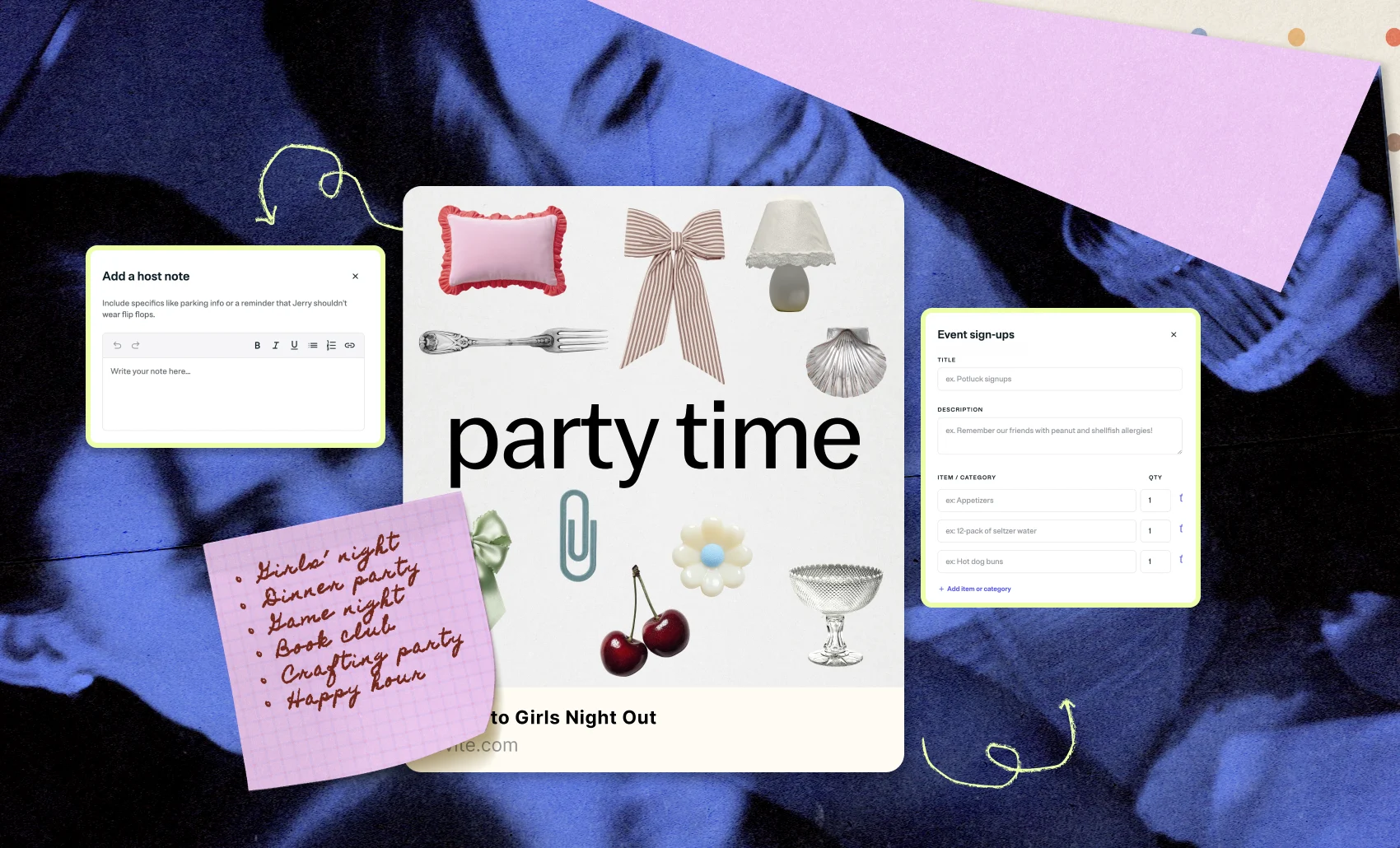
Event Pages are free, textable invites that make plans real in just a few taps. Just add your event details, edit your main image and background, and copy your link. If you’d like, you can include a host note to give guests extra info and/or set up an event signup sheet to keep things organized. The share costs feature helps you request payment from guests for items like food or supplies.
Once you’ve copied your link, drop it into a group chat, post it to social, or send it in a DM. Guests RSVP directly on your Event Page, and Evite keeps track of who's coming (so you don't have to). It’s the easiest way to bring your plans to life, made for gatherings that are too casual for a formal invitation, but still require some momentum and commitment so they don’t unravel.
Make an Event Page for your next:
- Girls night
- Dinner party
- Housewarming party
- Game night
- Book club
- Sports club or athletic meetup
- Watch party
- Neighborhood block party
- Crafting party
- Happy hour
- Potluck
- Park hang
- Coffee meetup
What's an Invitation?
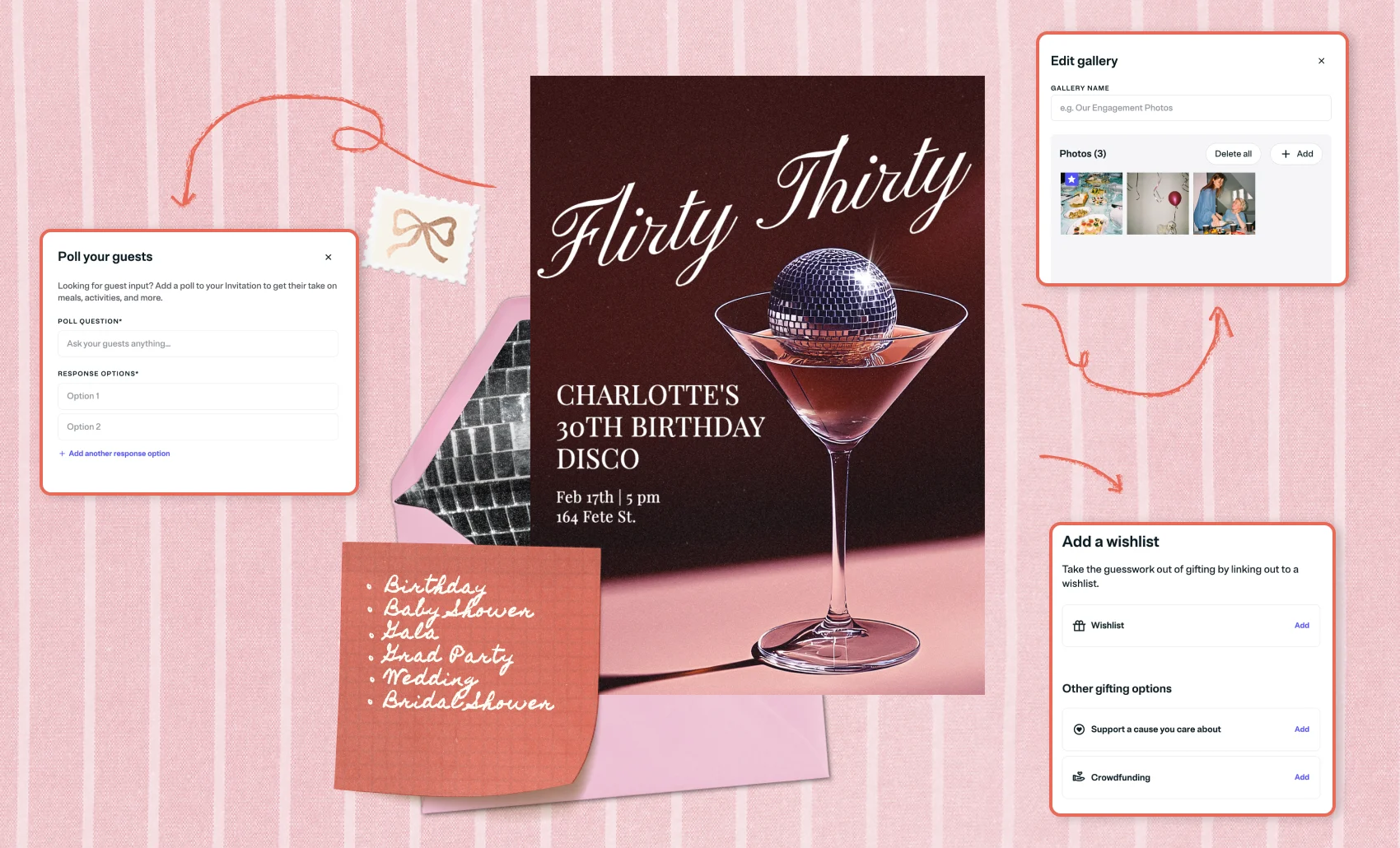
Invitations go out to guests directly—by email, text, or shareable link—and come with a full set of personalization options and planning tools.
Evite has a giant selection of free online Invitation templates, plus the ability to select a Premium Invitation. Premium templates come with more customization options, like a host photo gallery, a custom envelope and background, stamps, stickers, animated effects, and animated reveals—plus an ad-free experience for your guests. If you start with a free Invitation and decide to upgrade to Premium, you can do that at any point before you send.
All Invitations come with the option to add event signups, link to a wishlist, include a charity or crowdfunding campaign, and add a shared photo album for guests to upload photos to after your event. You can even design your own invitation and upload it to Evite to take advantage of all these tools while using your own personal design. (Our Canva app allows you to directly upload your design as a Premium Invitation.)
Once an Invitation is out, guests RSVP directly. You can track responses, send reminders to anyone who hasn't replied yet, and directly message guests with party-related updates, all from one place.
Send an Invitation for your next:
- Kids’ birthday party
- Milestone birthday
- Baby shower or bridal shower
- Corporate gala
- Character-themed party
- Surprise party
- Formal holiday party
- Graduation party
- Engagement party
- Wedding
- Retirement
- Religious or cultural celebrations
TL;DR
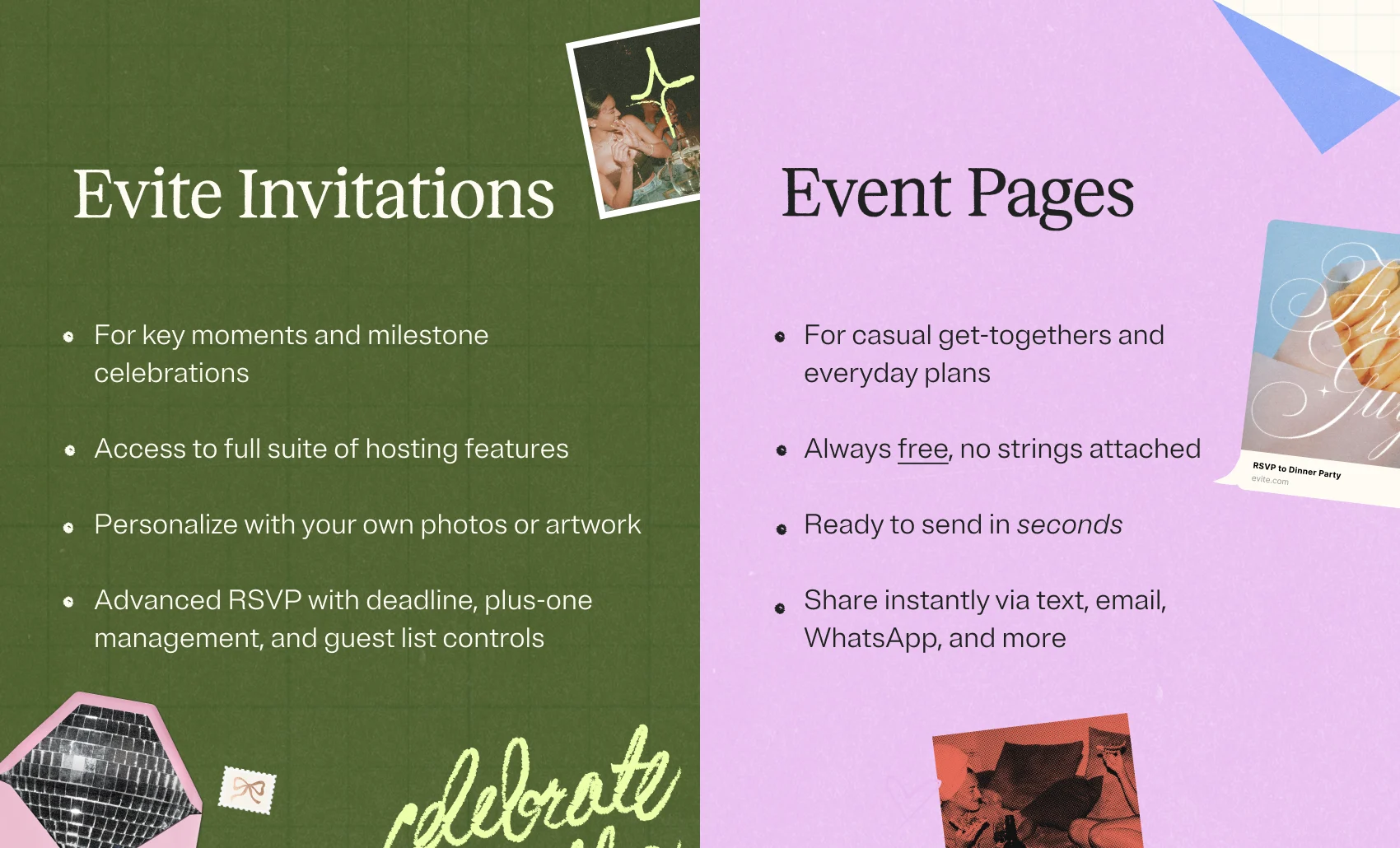
If you're planning something bigger and want more hosting tools—like a charity drive or a shared photo album—then make an Invitation. Upgrade to a Premium Invitation, and get more customization options like animated effects and upload-your-own backgrounds.
If easy creation and easy RSVPs are the priority, an Event Page is a quick, free way to get the details out there and keep track of who's coming with only one link.

.webp)
.webp)
.webp)